Fleet safety
Benefits of a Dash Cam: Why Install One in Your Vehicle
A dashcam gives you video of what happened on the road. Six benefits for drivers and fleets, the drawbacks, and what to look for in a model.
By Kumar Saurabh, Head of Overseas Business, SKYWONDER
, updated , 3 min read
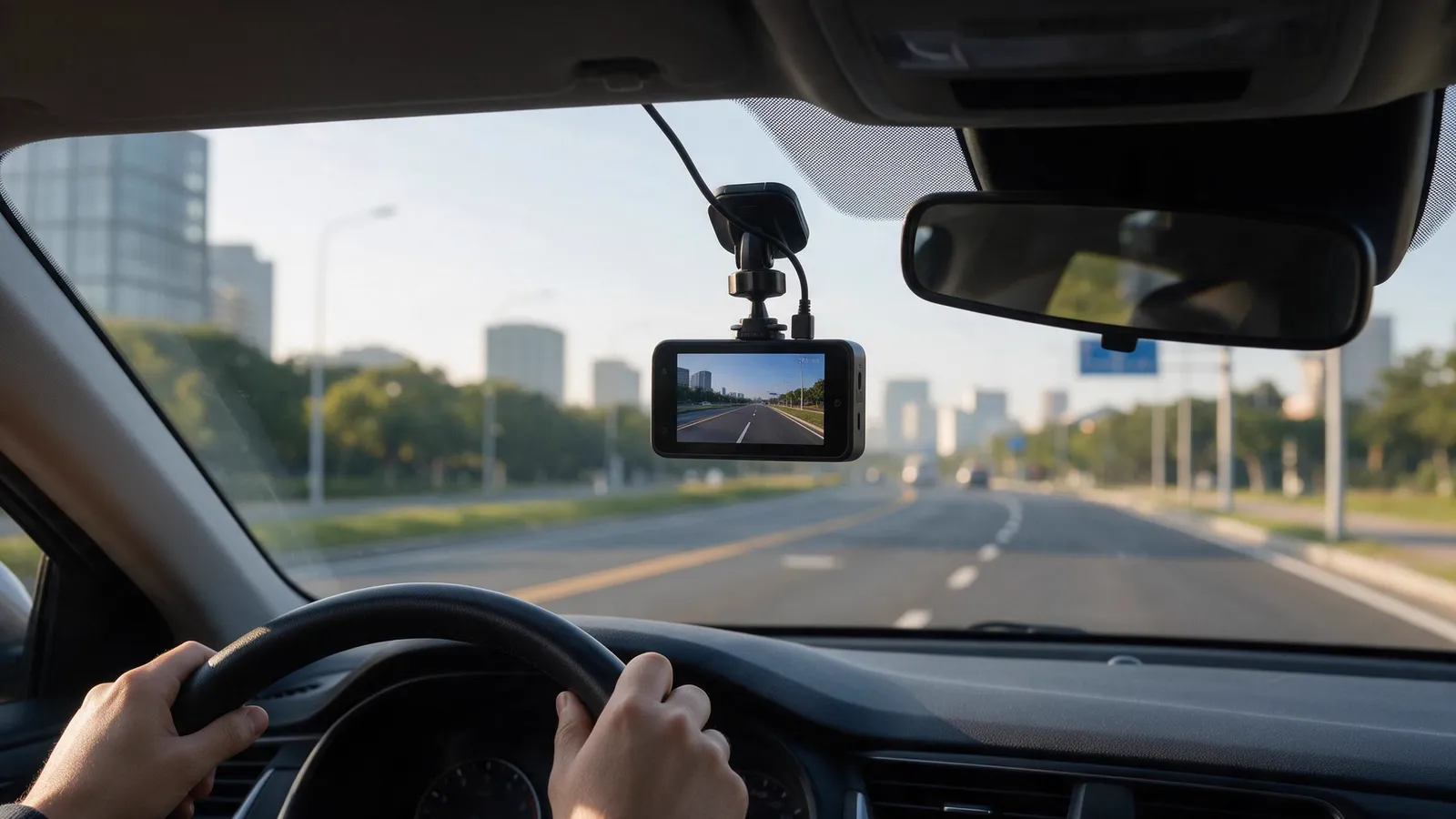
Fit a dashcam because it gives you a video record of what happened on the road. That record settles accident and insurance disputes, shows who damaged a parked vehicle and gives a manager something concrete to coach from. A 4G dashcam adds GPS tracking, live view and clips that upload without anyone collecting a card.
What is a dashcam?
A dashcam is a small camera mounted on the windscreen that records while the vehicle is driven. It starts with the ignition, saves footage to a memory card in a loop, and overwrites the oldest files when the card is full. A G-sensor locks the clip after an impact so that it is not overwritten. Fleet models add GPS, a second lens for the cabin or the rear, a 4G modem and AI alerts for the driver: standard on the D9 and D3, optional on the WD02.
Six benefits
- Evidence after a collision. Video with time and GPS position shows who did what, where two accounts disagree.
- Protection from false claims. The same footage answers a staged accident or an exaggerated injury claim.
- A record while parked. The A5, A3, A6 and A18 have parking monitoring; the A18 sends an alert if a collision is detected while it is parked.
- Location and live view. A 4G dashcam shows where each vehicle is and lets a manager open the camera, without waiting for the driver to return.
- Warnings for the driver. On the D9, ADAS warns of forward collisions and lane departures, and DMS detects yawning, closed eyes and distraction.
- Coaching from real events. In the Traqcare platform, events roll up into a score for each driver, so coaching goes to the people who need it.
Advantages and disadvantages
| Advantages | Disadvantages |
|---|---|
| Evidence for accidents and claims | Privacy rules on recording passengers and audio |
| Answers staged and false claims | 4G models need a SIM and a data plan |
| Records impacts while parked | Parked recording draws on the vehicle battery |
| Shows where the vehicle is | Placement rules differ by country |
| Warns the driver of hazards | Memory cards wear out and need replacing |
How to choose a dashcam
- Resolution. 1080p is 1920 × 1080. The D2, A5 and A3 record the road in 2K (2560 × 1440), which is 1.78 times the pixels.
- Lenses. The D9 records the road and the cabin. The A5 records the road and the rear. The D9 and WD02 take two more cameras.
- Storage. At 4 Mbps, a 64 GB card holds about 33 hours from one 1080p camera. The D9, D2, A5, A3, A6 and S202 take cards up to 512 GB; the A18, D3 and B5 up to 128 GB.
- Night. An infrared cabin lens sees the driver in the dark. WDR on the road lens balances headlights and shadow.
- Connectivity. Wi-Fi transfers clips to a phone at the vehicle. 4G gives live view and remote download.
The storage calculator and the 4G data calculator work out the card size and the data plan for your setup.
Fitting and upkeep
Mount the camera behind the rear-view mirror, where it does not block the driver's view or sit in an airbag's path. Power it from a circuit that switches with the ignition, or hardwire it with a low-voltage cutoff if you want it to record while parked. Our guide on dashcams and battery drain covers the wiring.
- Format the memory card in the camera before first use.
- Replace cards about once a year in vehicles that drive every day.
- Check local rules on camera placement, audio recording and using footage as evidence.
Browse our dashcams or contact us for a recommendation.
Frequently asked questions
What is the main benefit of a dashcam?
Does a dashcam record when the car is parked?
What size memory card does a dashcam need?
Are dashcams legal?
Mentioned in this guide
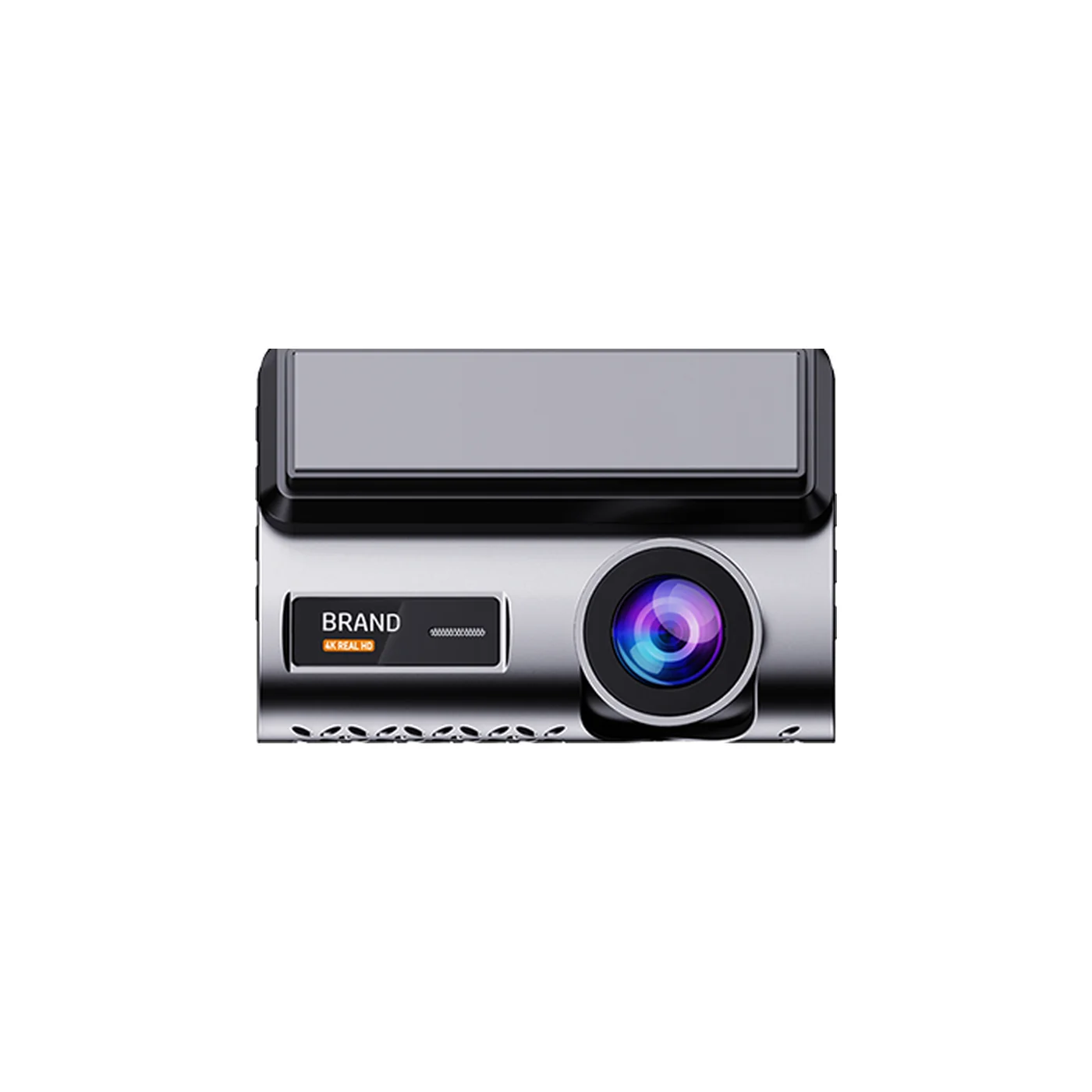
2K front and 720p rear 4G dashcam with GPS and a 3-inch screen
- Front 2K, rear 720p
- 3-inch IPS screen
- GPS with route playback
Read next
Fleet safety, Oct 1, 2026, 3 min read
ADAS, DMS and BSD Explained: What Each Fleet Camera Alert Does
ADAS watches the road, DMS watches the driver and BSD watches the blind spot. Each needs its own camera, and our devices differ in the alerts they give.
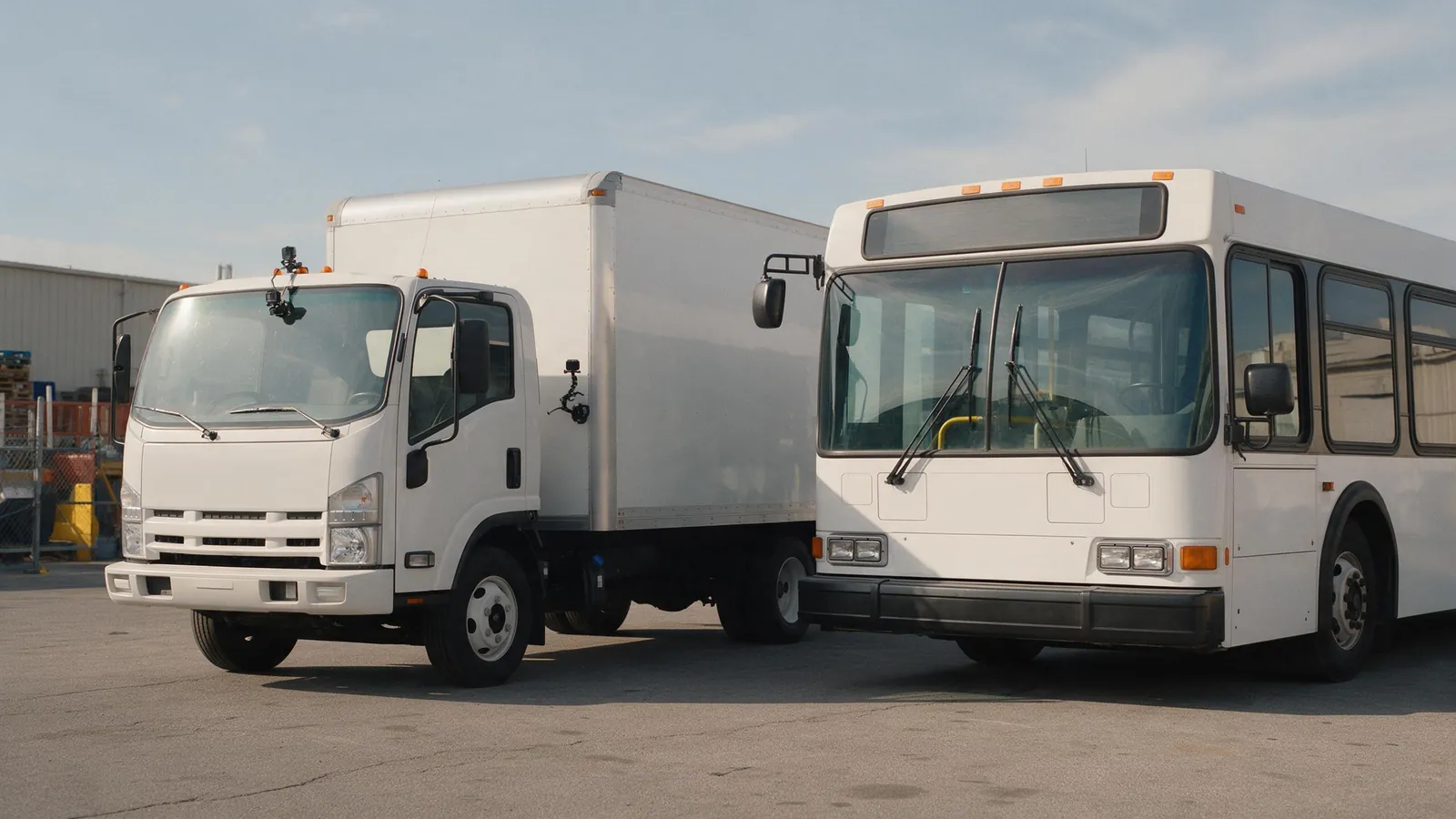
Buying guides, Oct 1, 2026, 3 min read
How Many Cameras Does a Truck, Bus or Van Need?
Vans and taxis need two cameras, trucks three or four and buses four to eight. Start from the views you would want after an incident.
Technology, Oct 1, 2026, 3 min read
JT/T 808 and JT/T 1078 Explained: Fleet Video Protocols
JT/T 808 carries position, alarms and commands between a vehicle device and a platform. JT/T 1078 adds video. Check the edition and the server protocol first.
Not sure which camera fits your fleet?
Tell us your vehicles and what you need to see. An engineer recommends a setup, usually within 2 hours.