
Camera setups for six fleet types
We recommend two camera views for taxis, three or four for trucks, four for refuse trucks, four or more for construction vehicles and four to eight for school buses and city buses. Dashcams such as the D9 cover two to four views; the WD12, WD11 and WD10 recorders cover four to eight.
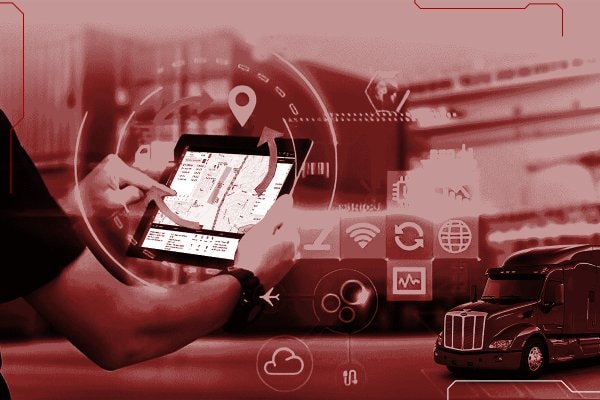
Trucking and logistics
Truck fleets face three recurring problems: fatigue on long hauls, blind spots at junctions and disputed collisions.
A dual-lens AI dashcam covers the road and the cab, and takes two more cameras for the nearside and the rear. Trucks that need four 1080p views or blind-spot detection move up to a 4-channel MDVR.
What it gives you
- Forward collision and lane departure warnings, above 30 km/h on the D9
- Fatigue and distraction alerts that sound in the cab
- Incident clips uploaded over 4G for claims
Recommended products
Full setup for trucking and logistics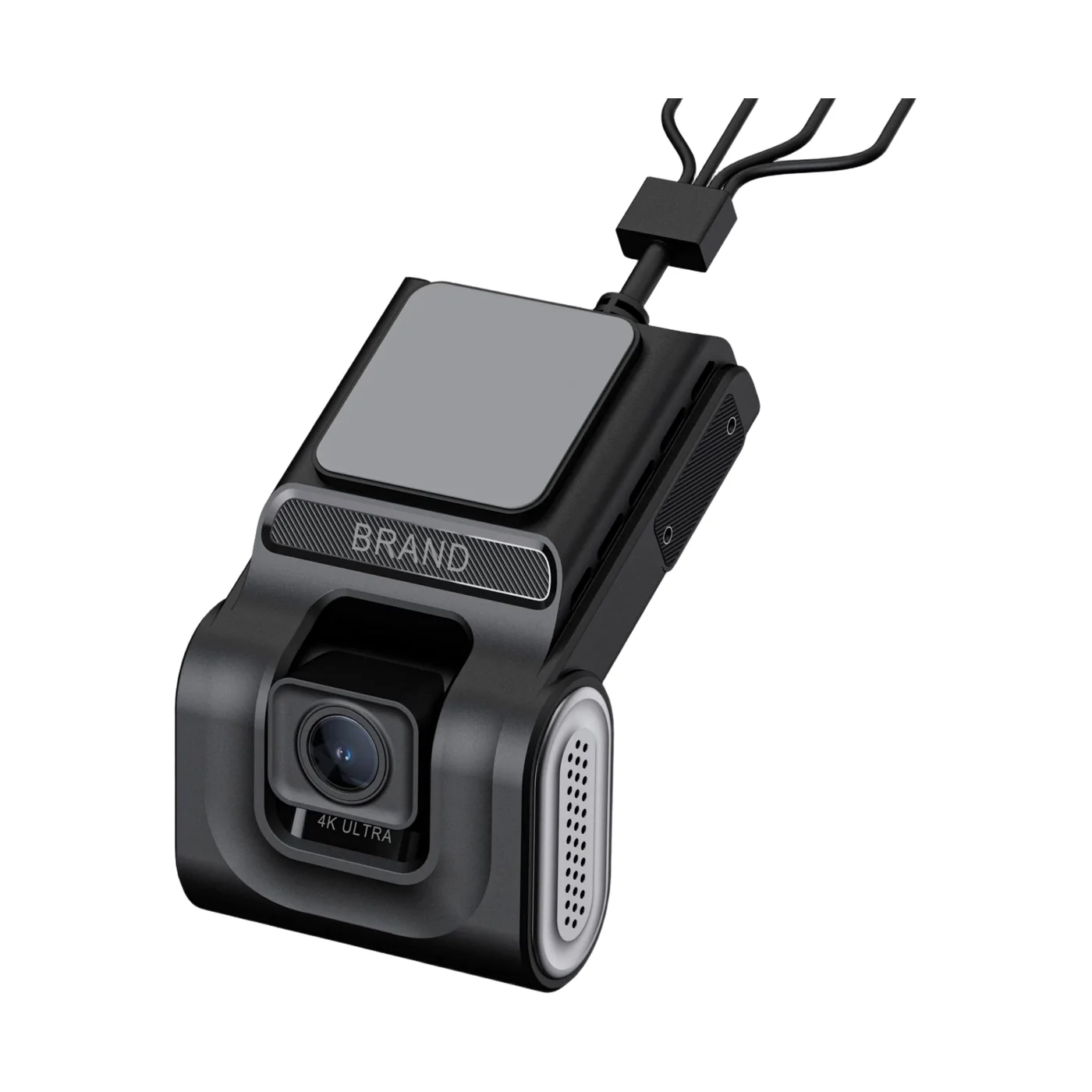
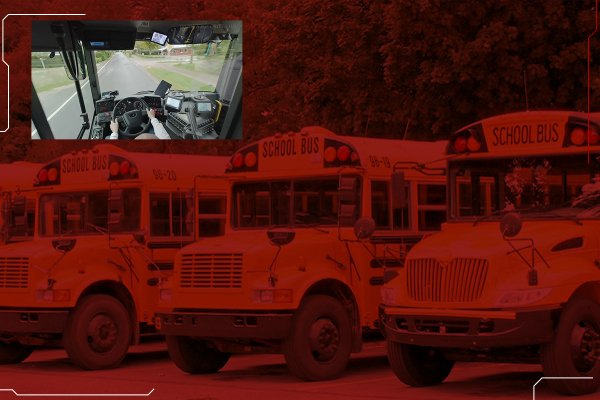
School buses
Schools and parents want to know where the bus is, how many children got on, and what happened on board.
An SD-card MDVR records interior and exterior cameras and counts boarding passengers at each door, while a driver-monitoring camera watches for fatigue.
What it gives you
- Live location for administrators
- Passenger counting at 1 to 4 doors
- Over-speed and geofence alerts
Recommended products
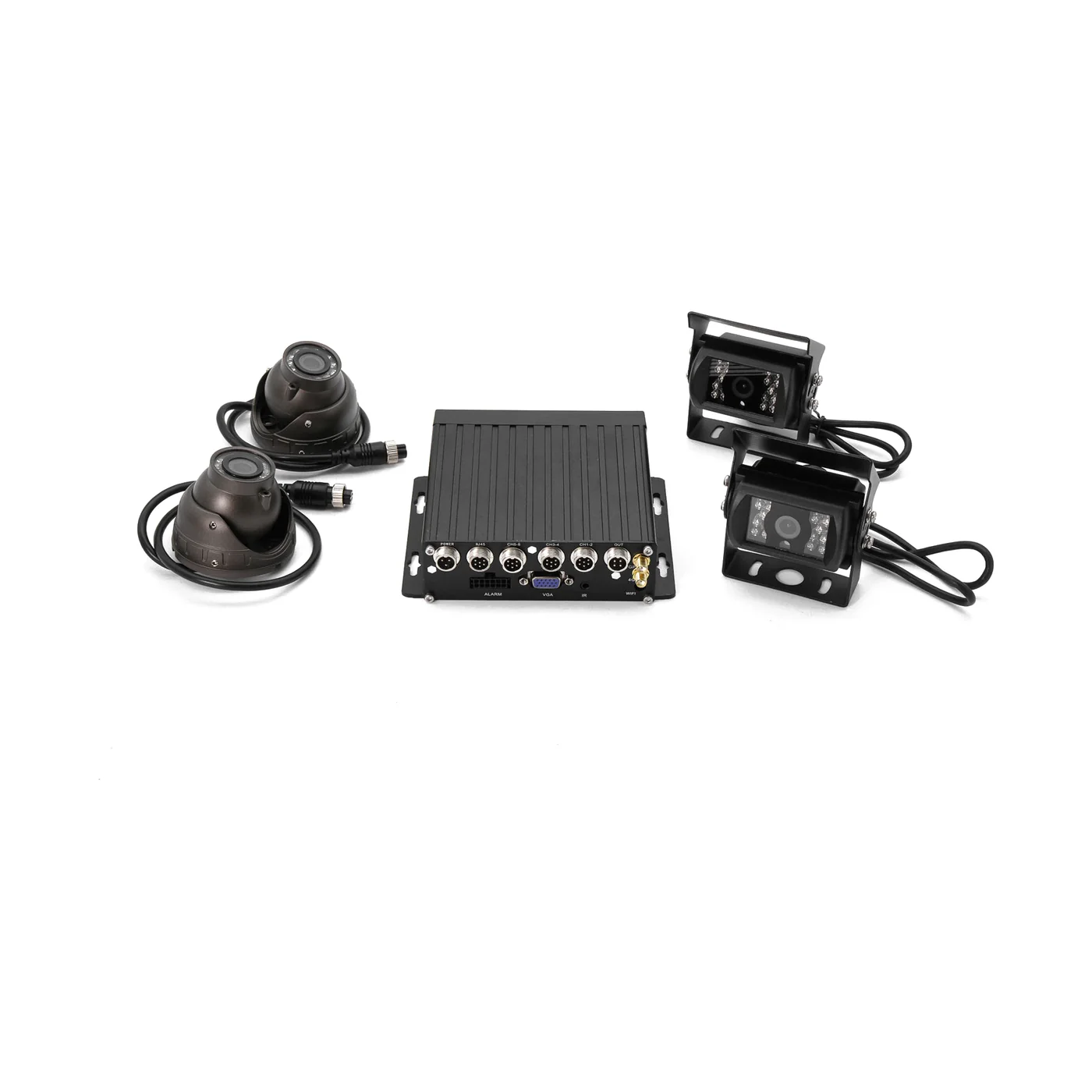 WD11Recorder with passenger counting
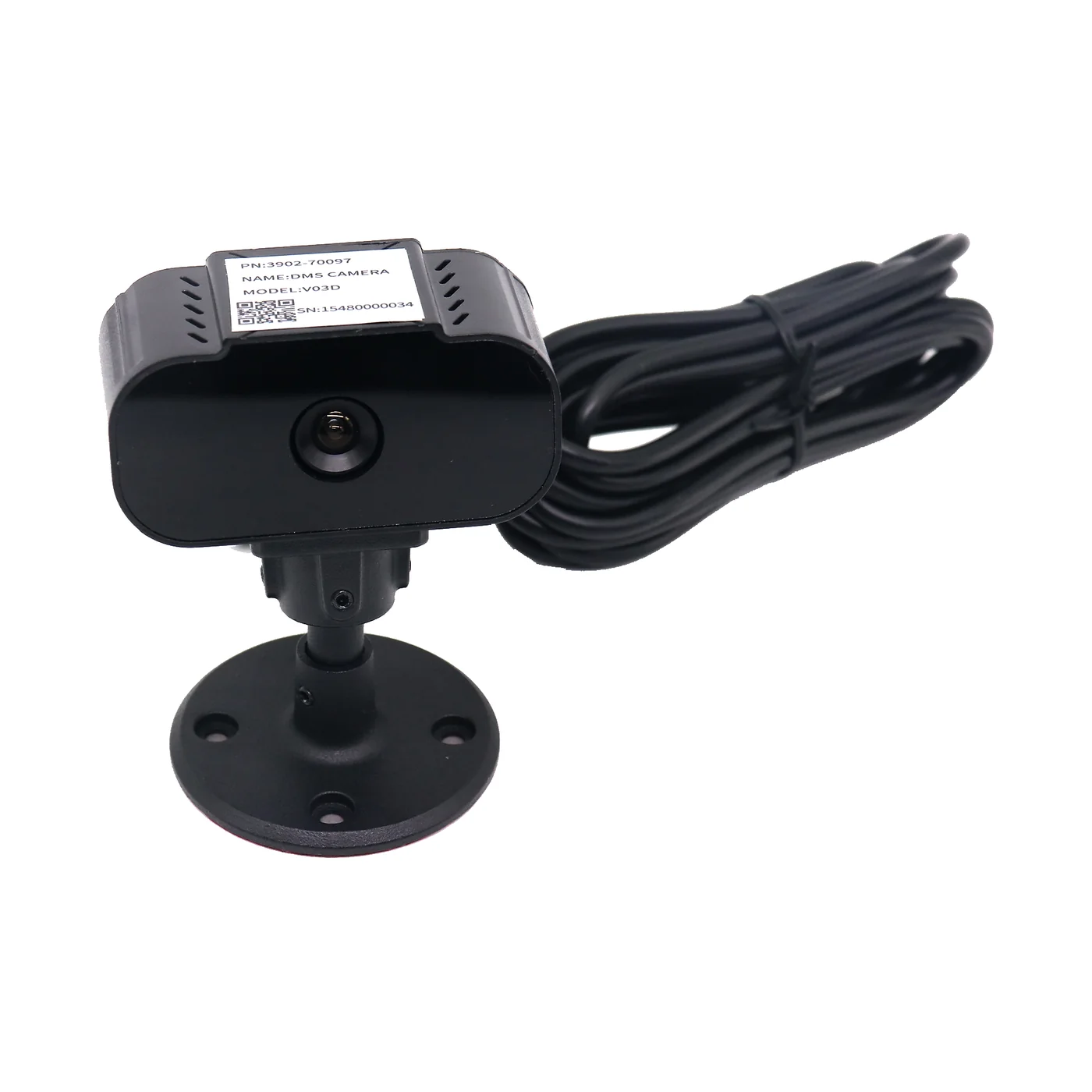 DSM cameraDriver fatigue
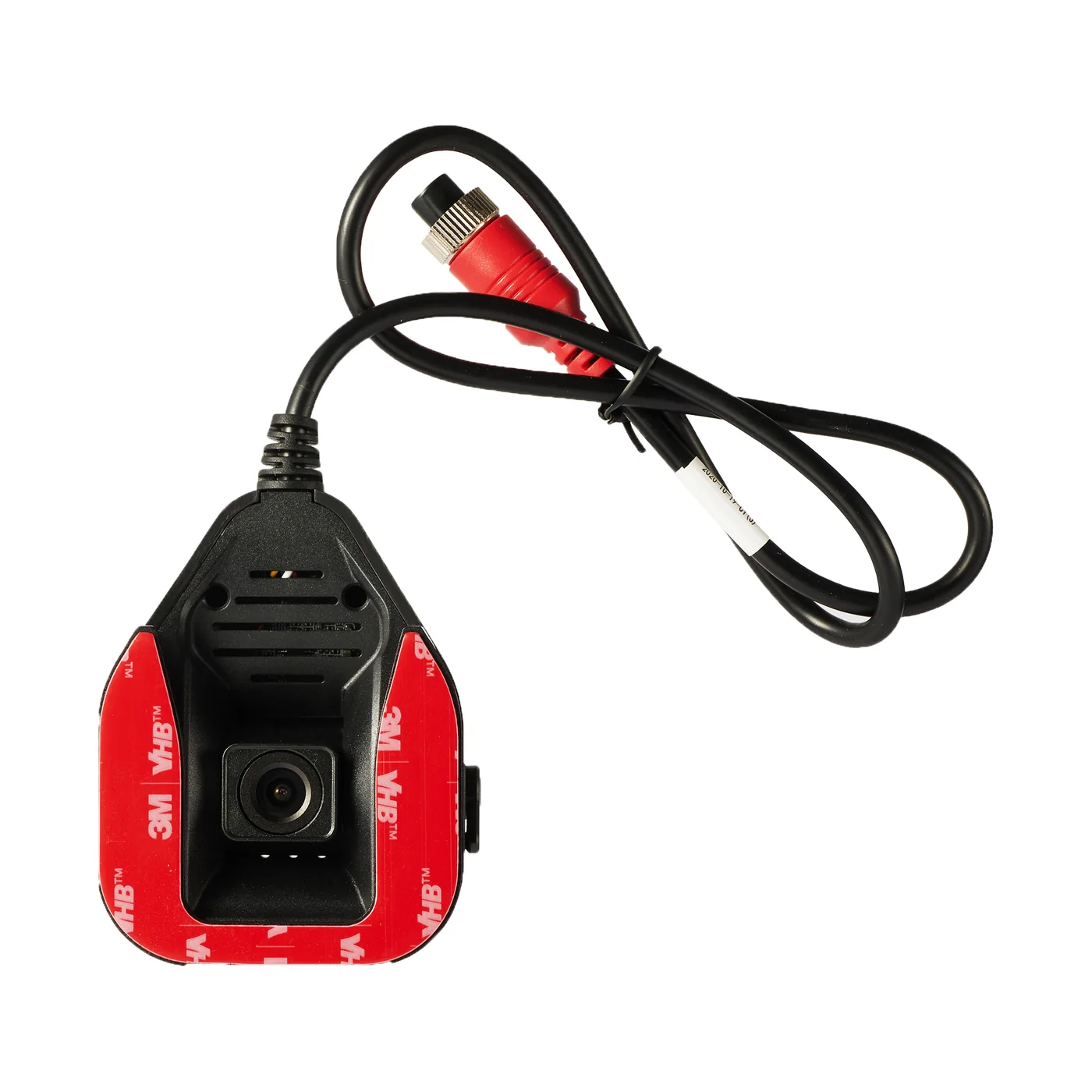 ADAS cameraRoad ahead
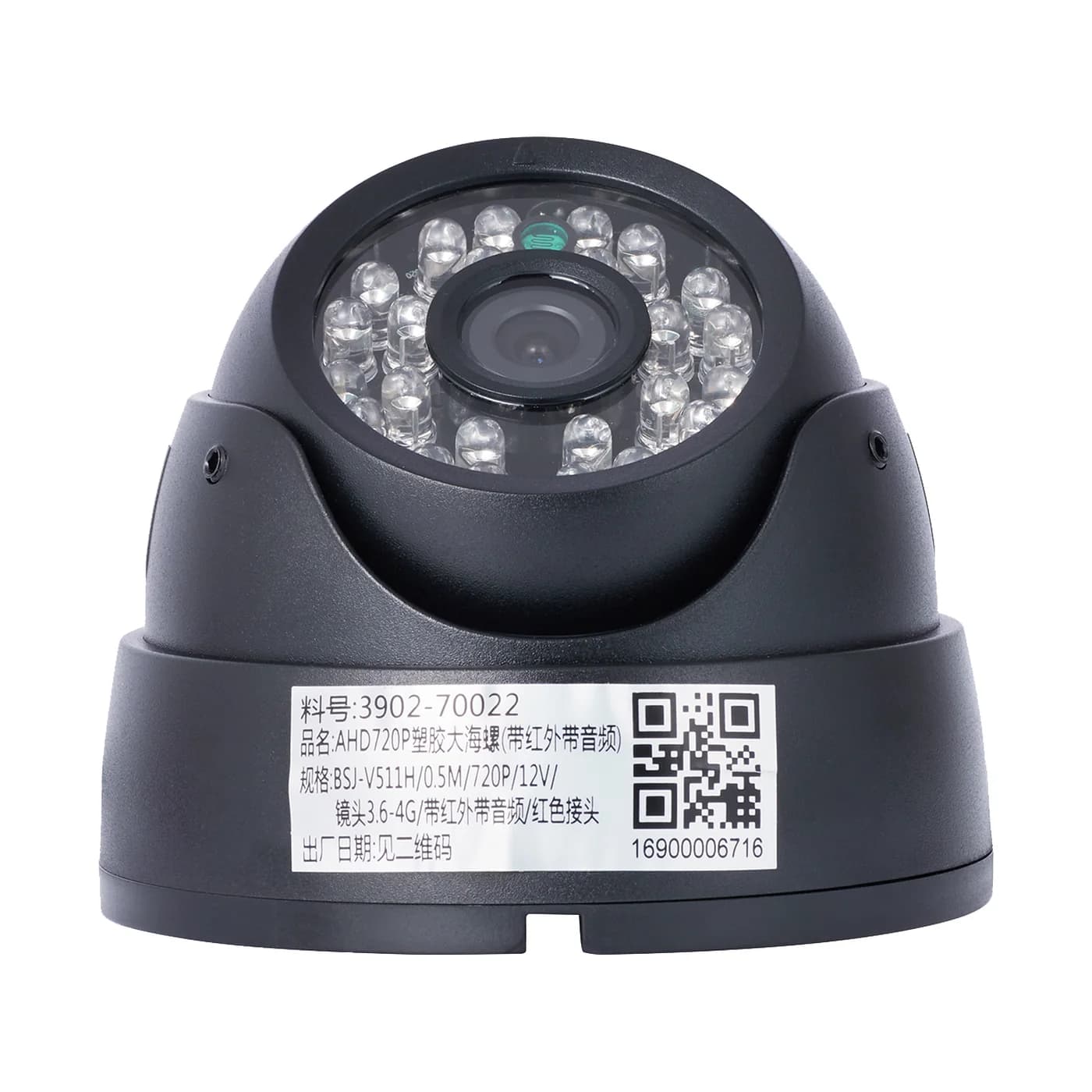 AHD003Aisle and seats
Taxis and ride-hailing
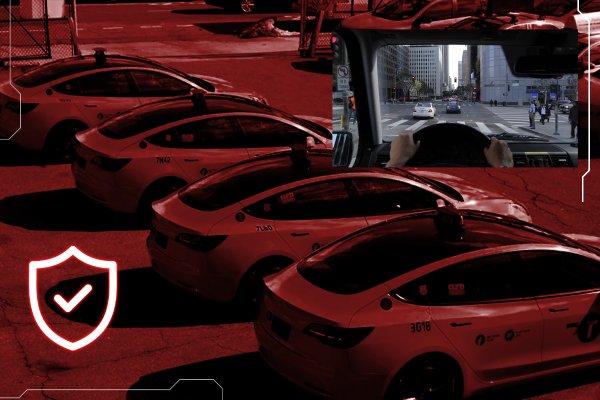
Passenger complaints and collision claims are hard to settle without video of both the road and the cabin.
A dual-lens dashcam records the road and the passenger cabin. Two-way voice lets dispatch talk to the driver during an incident.
What it gives you
- Cabin recording for disputes
- SOS input to dispatch
- Two-way voice through the platform
Recommended products
Full setup for taxis and ride-hailing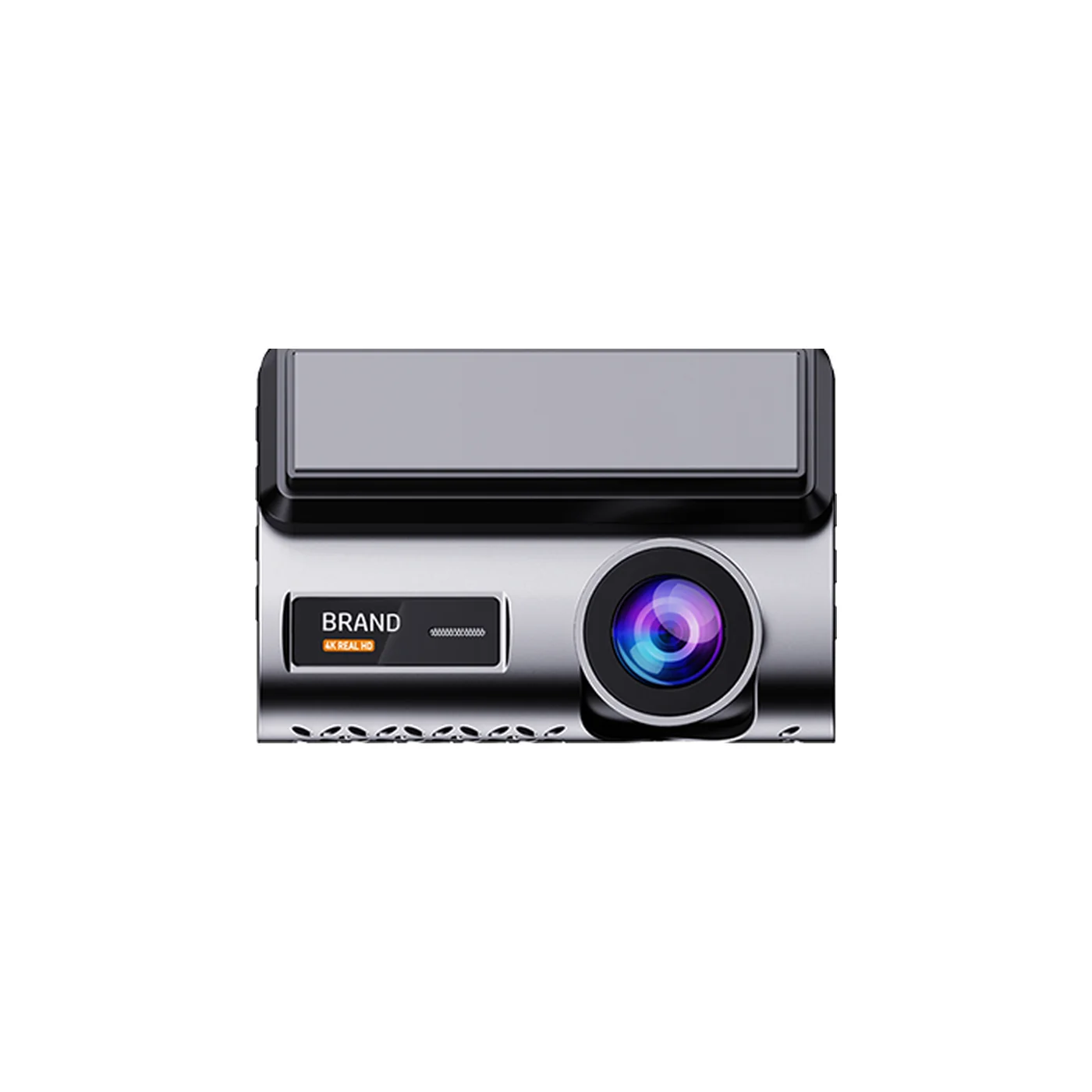
Buses and public transport
Operators need evidence for incidents, ridership numbers, and proof that drivers stay alert on long routes.
An MDVR records four to eight interior and exterior cameras and counts passengers at the doors, with driver alerts and live video sent to the control room over 4G.
What it gives you
- Door-by-door passenger counts
- Interior and exterior video
- Driver scoring from AI events
Recommended products
- WD11Recording and passenger counting
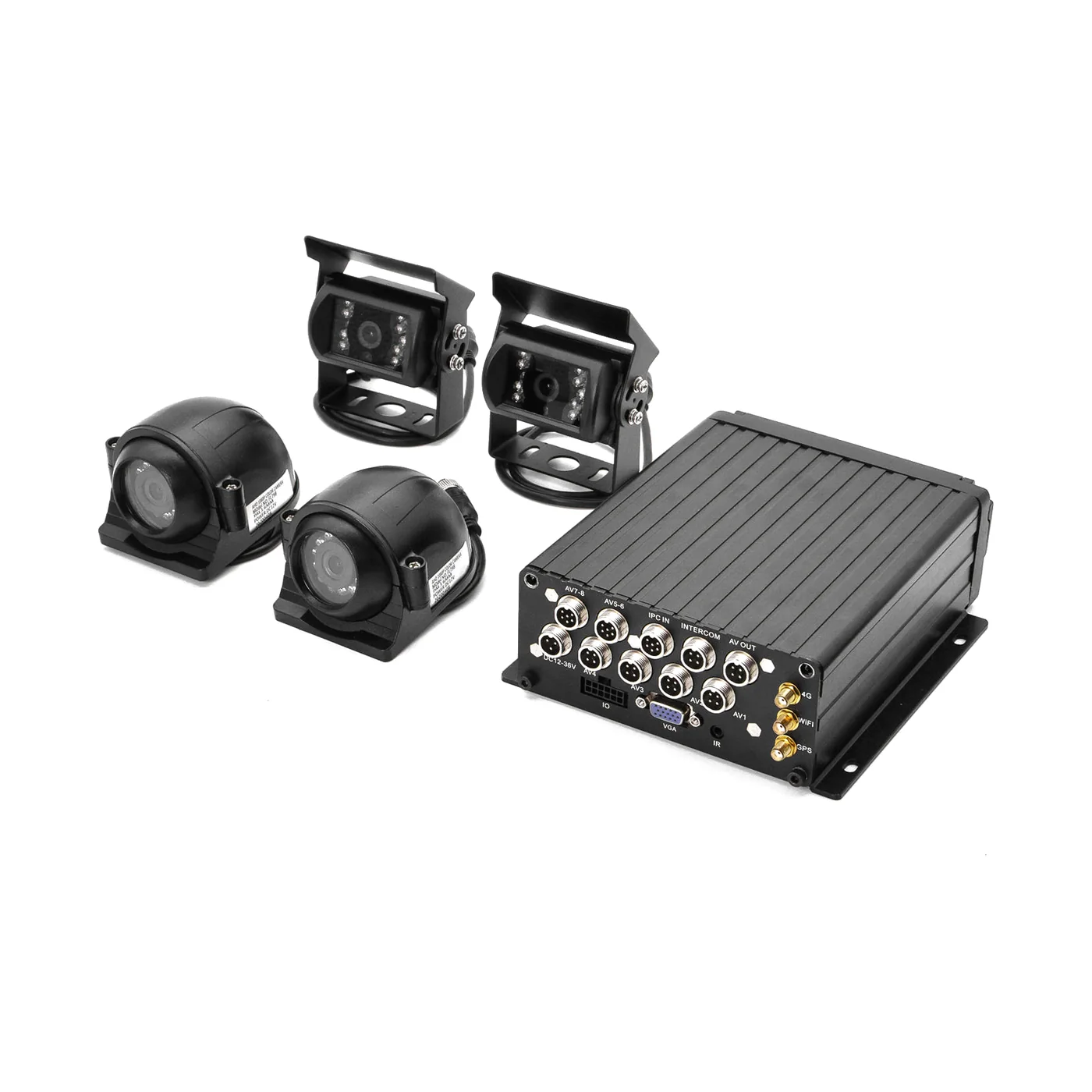 WD10Up to 2 TB HDD storage
- ADAS cameraRoad ahead
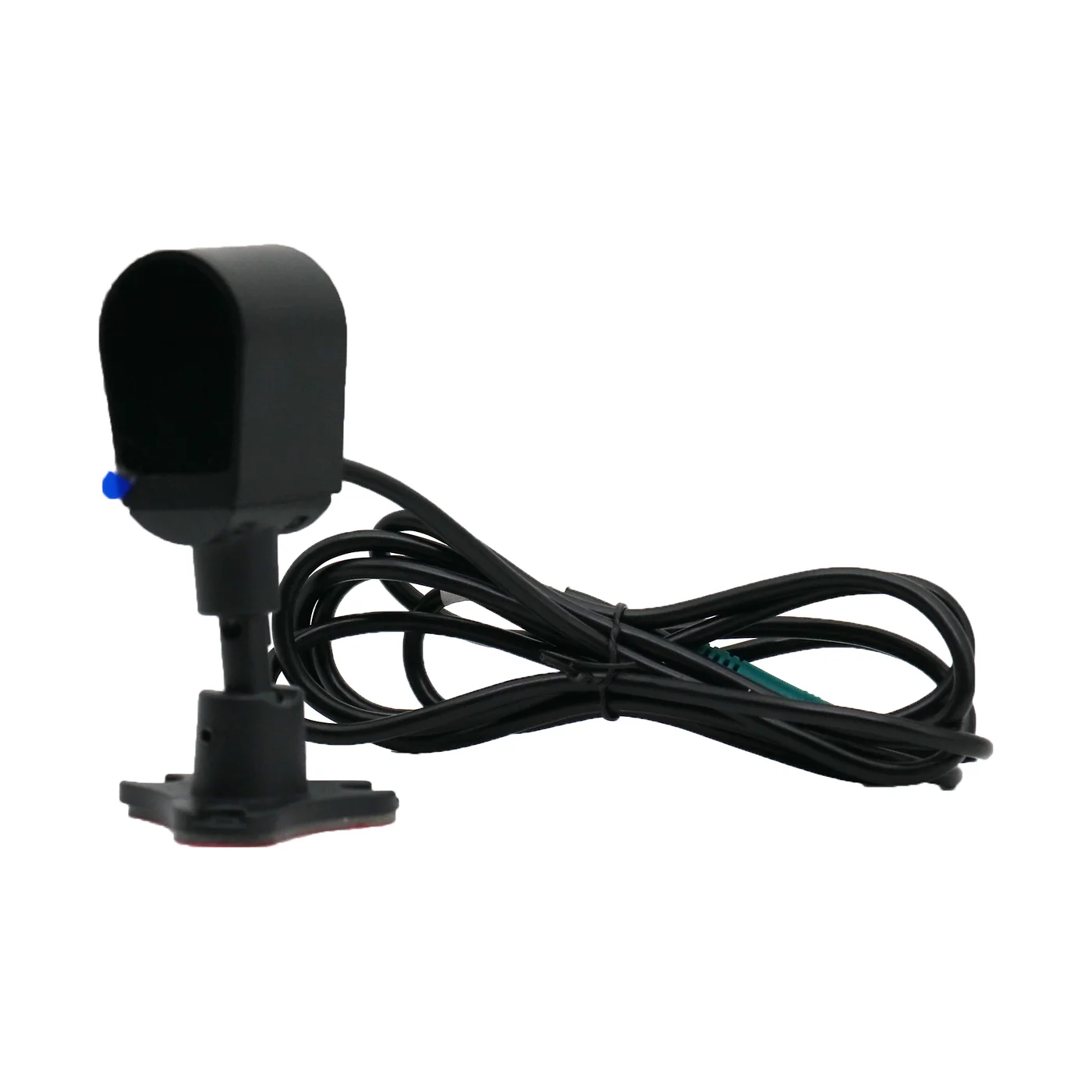 AHD005Driver fatigue and distraction
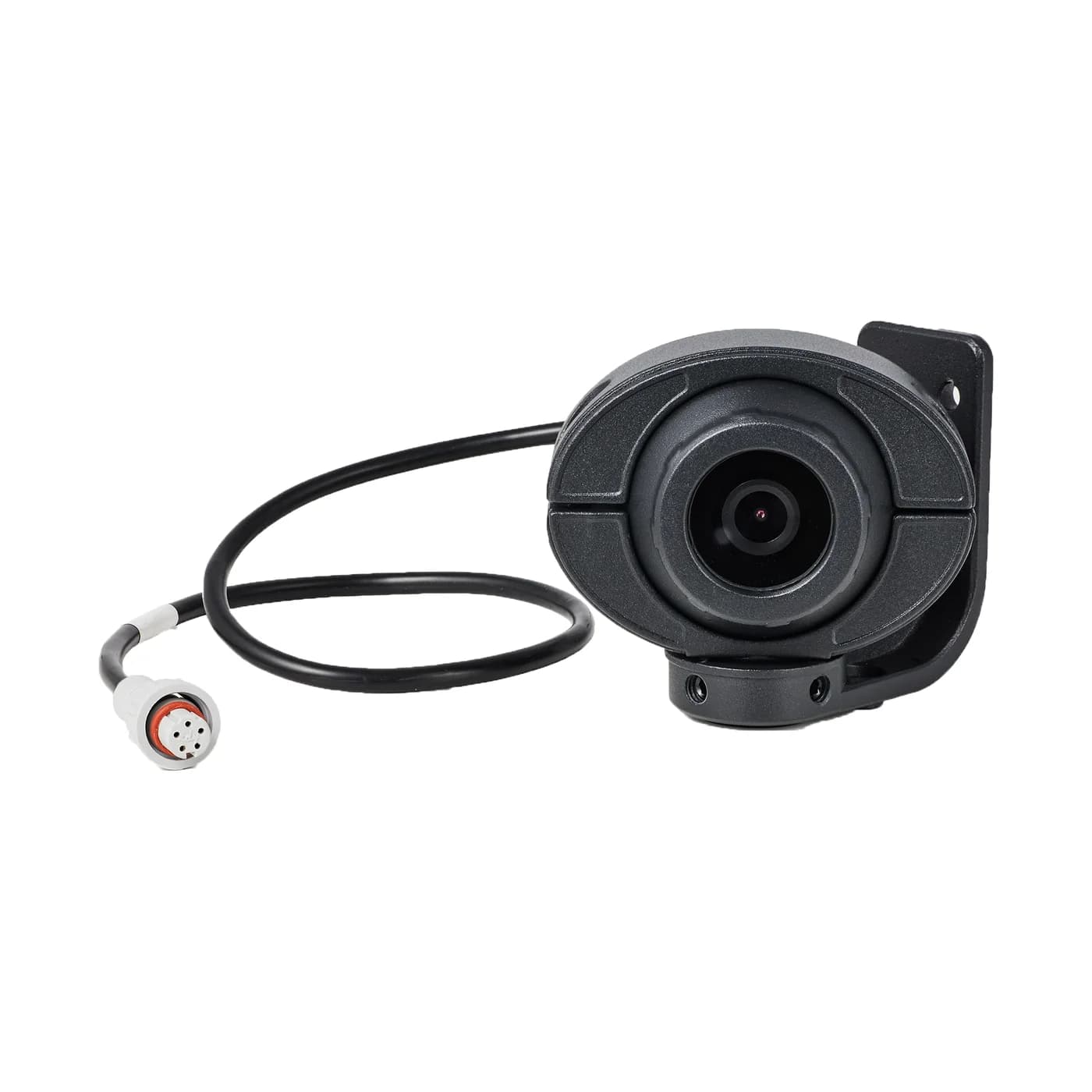 BSD cameraCyclists and pedestrians alongside
- AHD003Aisle and doors
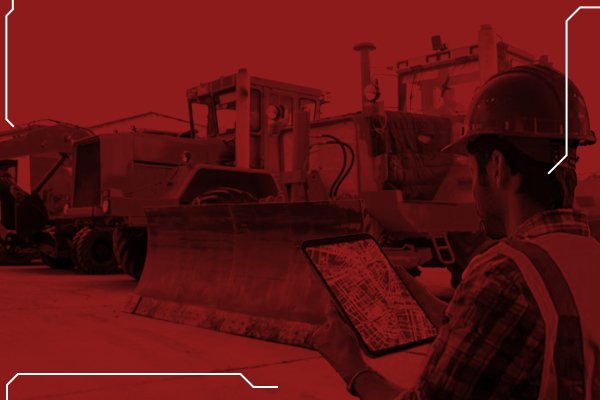
Construction and heavy equipment
Machines work in dust, heat and vibration, often out of sight of any supervisor.
The WD10 MDVR, rated from -20 °C to +70 °C, records to a hard disk, with blind-spot cameras on the left and right of the machine and a camera on the operator.
What it gives you
- Geofence alerts when a machine leaves the site
- Left and right blind-zone alarms
- Fatigue and helmet alerts for the operator
Recommended products
- WD10Hard-disk recorder, up to 2 TB
- BSD cameraLeft and right blind zones
- AHD005Operator fatigue and helmet detection
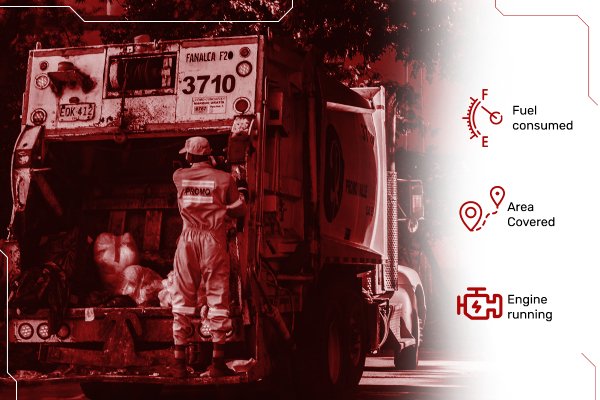
Waste collection
Refuse trucks stop and start along every street, next to pedestrians and cyclists, and the driver can't see all of them.
A compact 4-channel MDVR covers the cab, the kerb side and the rear hopper, with blind-spot and driver-monitoring cameras.
What it gives you
- Kerb-side blind-spot alerts
- Rear hopper recording
- Idle and over-speed alerts
Recommended products
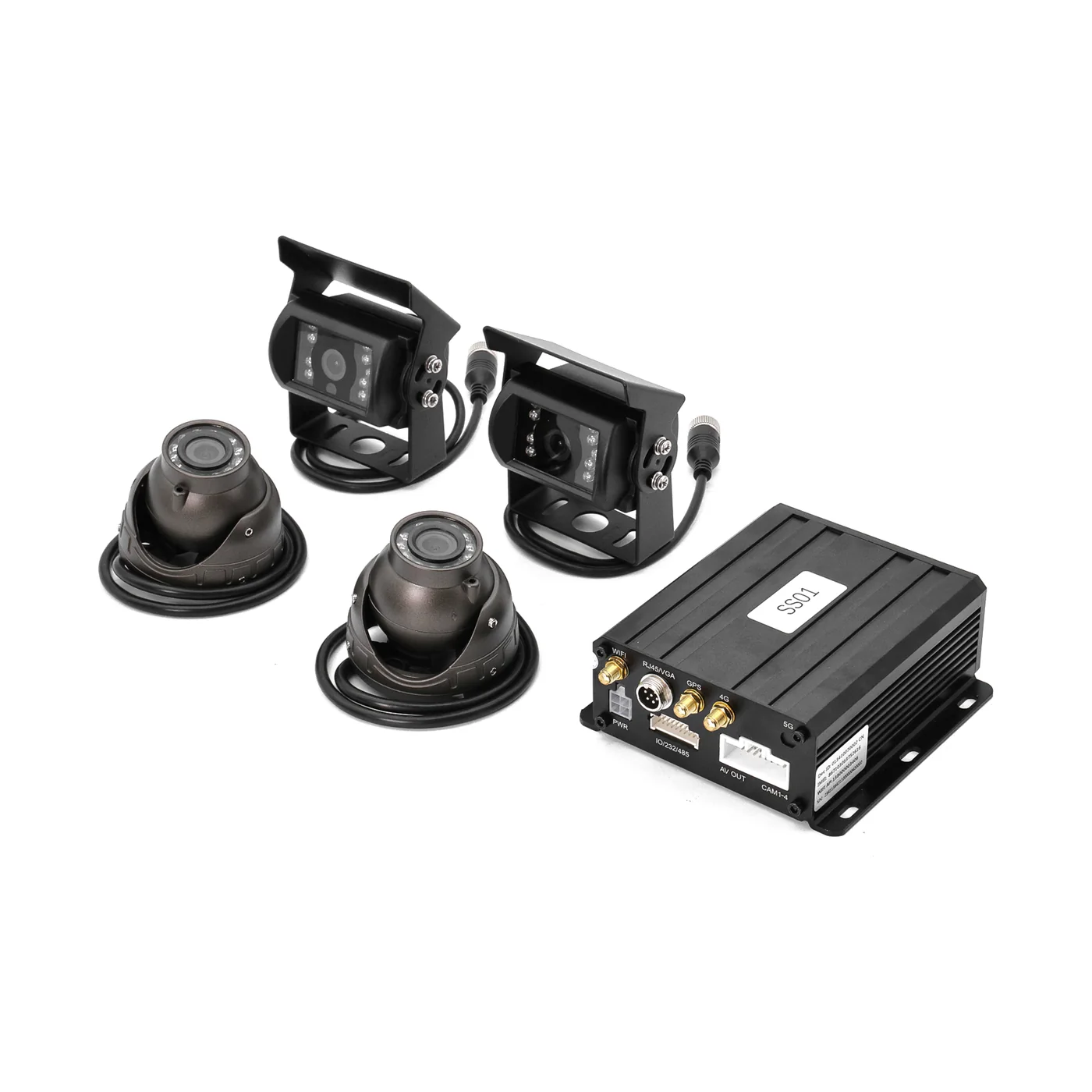 WD124-channel recorder
- ADAS cameraForward collision and lane departure
- BSD cameraKerb-side blind spot
- AHD005Driver monitoring
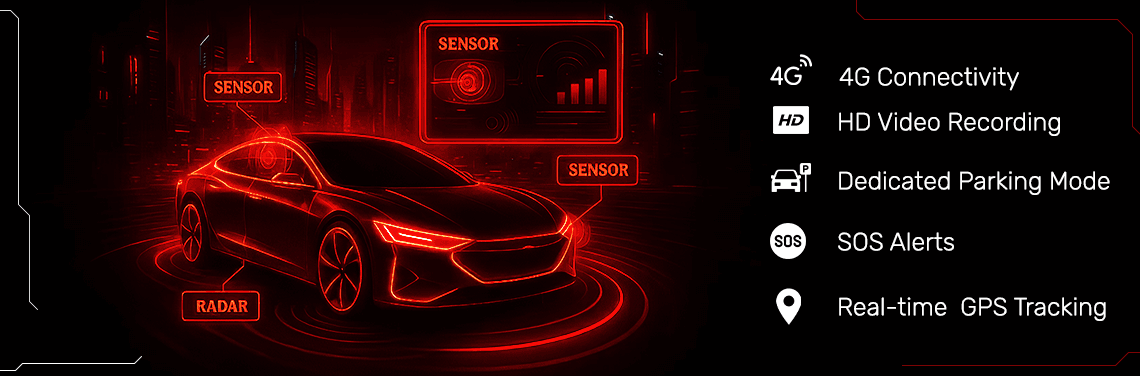
One platform for every vehicle
Trucks, buses and taxis report to the same Traqcare account, so a mixed fleet is managed from one screen with one set of alerts and reports.
How the system works
Five steps between a risky moment on the road and a manager seeing the clip.
Step 1: Cameras
Road, cabin, rear and blind-spot cameras. AI models for ADAS, DMS and BSD run on the device, so alerts don't wait for the network.
Step 2: Recorder
A dashcam or MDVR records every channel to SD card or hard disk. On models with a G-sensor, the clip around an impact is locked.
Step 3: 4G uplink
Location, alarms and event clips go out over 4G. Live video streams on demand, so you don't pay to stream all day.
Step 4: Traqcare
Fleet managers see live location, alarms and video in the web dashboard and the iOS and Android apps.
Step 5: Action
The driver gets a voice warning in the cab and the manager gets the clip. Disputes are settled with video, not guesswork.
Your fleet isn't on the list?
Rental, agriculture, emergency services, cold chain: tell us about the vehicles and we'll design the layout.