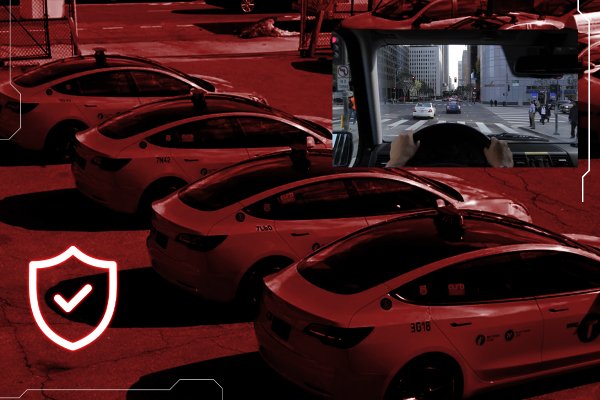
Dashcams for taxis and ride-hailing
Passenger complaints and collision claims are hard to settle without video of both the road and the cabin.
The short answer
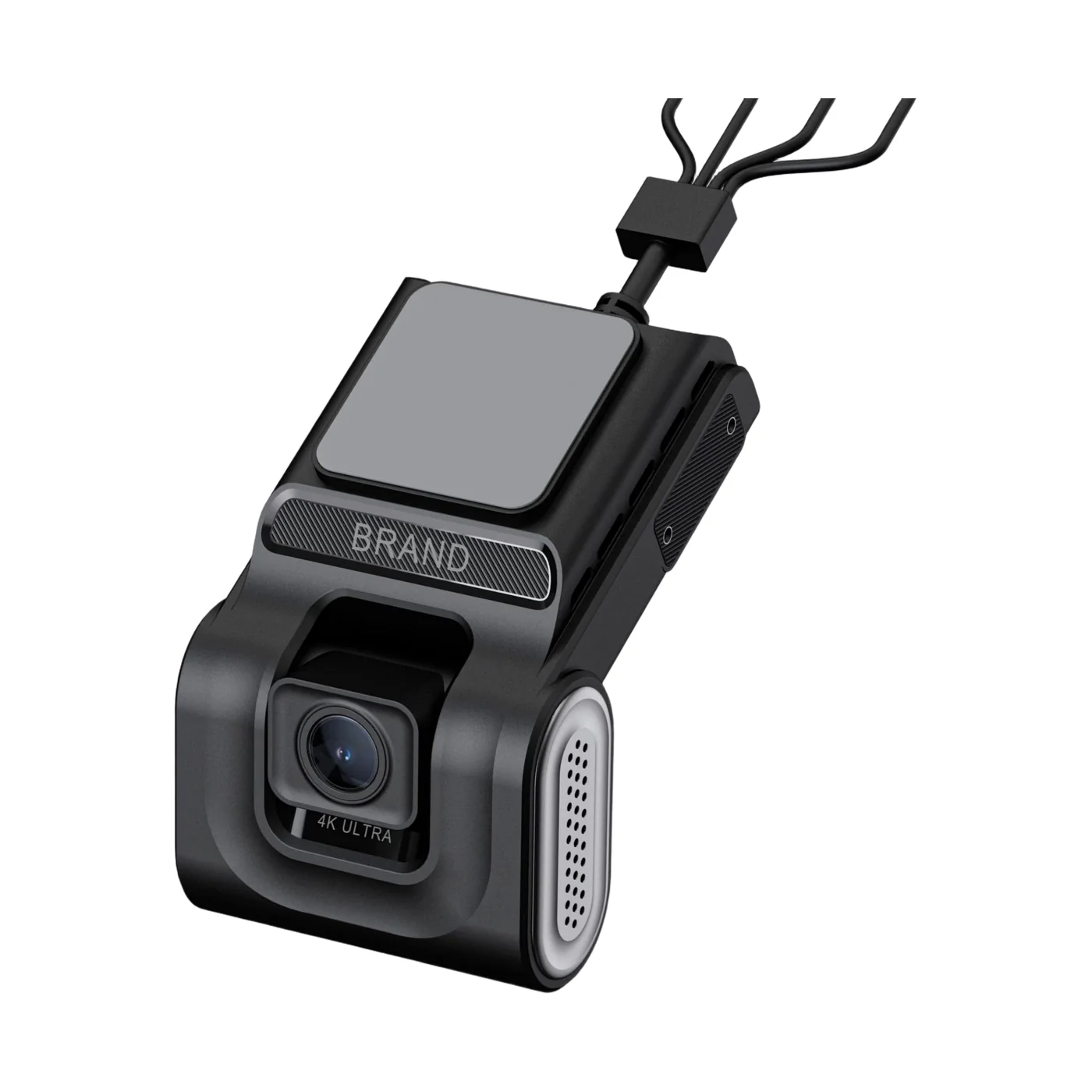
A taxi needs two camera views: the road and the cabin. A dual-lens 4G dashcam such as the D9 records both in 1080p, with infrared for the cabin at night, an SOS input for emergencies and two-way voice so dispatch can speak to the driver. Video and location reach the Traqcare platform over 4G.
- Camera views
- 2, with a rear camera on request
- Recorder
- D9 or A5 dashcam
- Storage
- microSD, up to 512 GB
What goes wrong, and what video changes
Passenger disputes
Complaints about fares, routes or behaviour are hard to settle from statements. Cabin video with time and GPS position shows what happened.
Driver safety
Drivers work alone, often at night. An SOS button sends an alert with the vehicle's position to dispatch, and two-way voice lets the dispatcher speak to the driver.
Collision claims
Road footage shows who did what in a collision, including low-speed contact in traffic where accounts usually differ.
Recommended camera layout
A dual-lens dashcam records the road and the passenger cabin. Two-way voice lets dispatch talk to the driver during an incident.
| Position | Equipment | What it covers |
|---|---|---|
| Windscreen, facing the road | D9 road lens, 1080p, 135° | The road ahead, with collision, lane and pedestrian warnings |
| Windscreen, facing the cabin | D9 infrared cabin lens, 1080p, 110° | Driver and passengers, day and night |
| Rear window, optional | External 720p camera, or the A5's rear camera | Rear-end collisions and reversing |
| Within the driver's reach | SOS button on the D9's SOS input | An emergency alert to dispatch |
What this setup gives you
- Cabin recording for disputes
- SOS input to dispatch
- Two-way voice through the platform
Products in this setup
Storage and mobile data
How long footage is kept
This setup records 2 × 1080p, about 3.6 GB an hour at standard quality. On a 512 GB microSD card, the largest the D9 takes, that is roughly 130 hours of recording before the oldest footage is overwritten, or about 260 hours in H.265, which the D9 supports.
Storage calculatorHow much 4G data it uses
Recording uses no mobile data. Tracking uses about 17 MB a month at a 30-second interval. Watching both cameras of this setup on the sub-stream for an hour uses about 80 to 120 MB. A 15-second event clip is about 5.6 MB at 720p or 7.5 MB at 1080p.
4G data calculatorBefore you order
- The D9 mounts behind the rear-view mirror, with the road lens forward and the cabin lens facing the seats.
- It runs on 9–36 V and takes a micro SIM and a microSD card of Class 10 or faster. ADAS and DMS alerts are active above 30 km/h, so they do not sound in slow city traffic.
- Rules on recording passengers, and especially on recording audio, differ by country and city. Check them where you operate and display a notice in the vehicle if one is required.
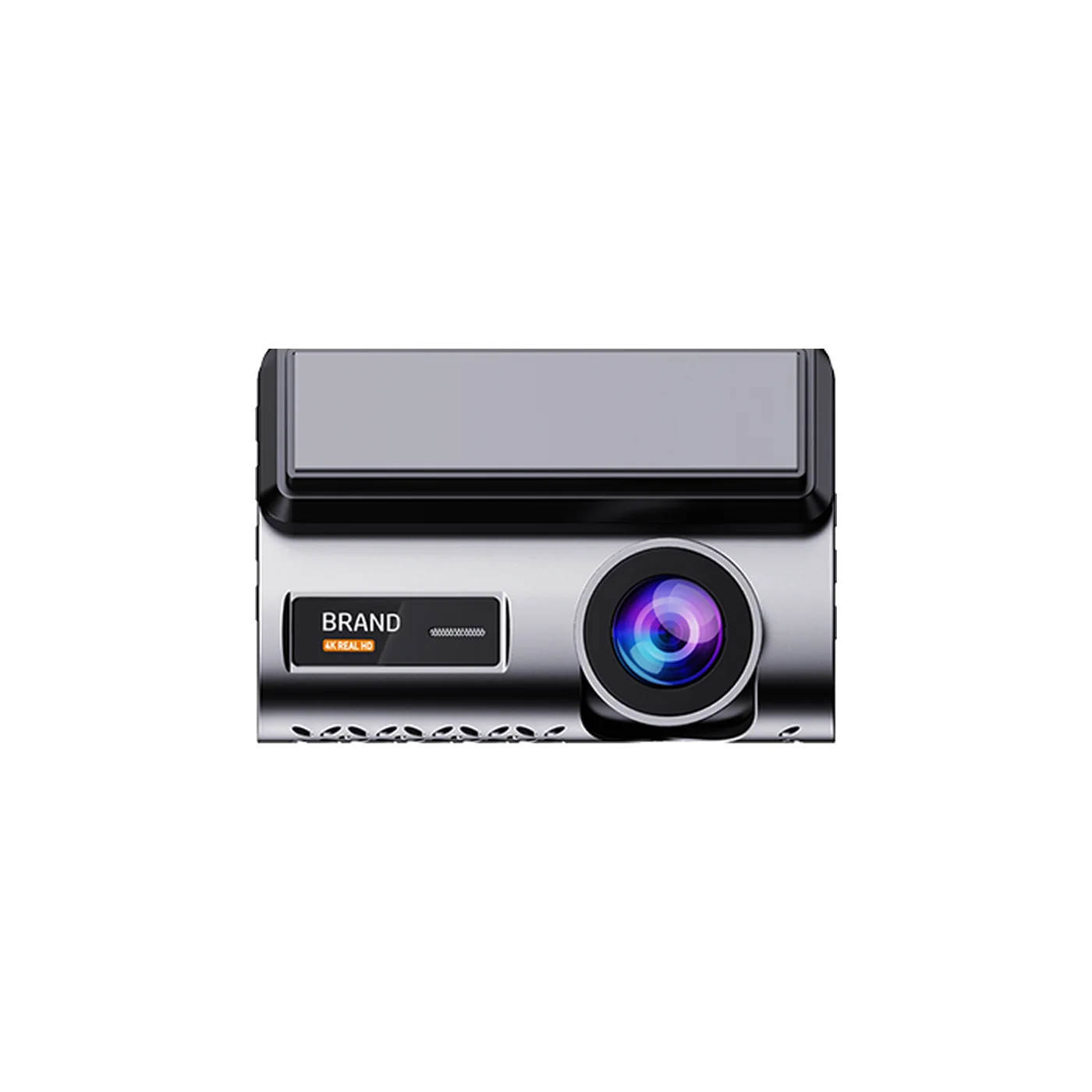
- Choose the A5 where the rear matters more than the cabin: it records the road in 2K and the rear in 720p, with a 3-inch screen.
Taxi dashcam questions
What is the best dashcam for a taxi?
Can a taxi dashcam record the cabin at night?
Is it legal to record passengers in a taxi?
How does the SOS button work?
Guides for this fleet
- Benefits of a Dash Cam: Why Install One in Your VehicleA dashcam gives you video of what happened on the road. Six benefits for drivers and fleets, the drawbacks, and what to look for in a model.Read the guide
- How Much 4G Data Does a Fleet Dashcam Use?Tracking uses about 17 MB a month and live video about 40 to 60 MB per camera-hour. Our worked example for one van comes to about 1.1 GB a month.Read the guide
- Dashcam vs MDVR: Which Does Your Fleet Need?A dashcam is one windscreen unit with one or two lenses. An MDVR is a separate recorder for four or eight cameras. Choose by the views you need.Read the guide
Not sure which camera fits your fleet?
Tell us your vehicles and what you need to see. An engineer recommends a setup, usually within 2 hours.