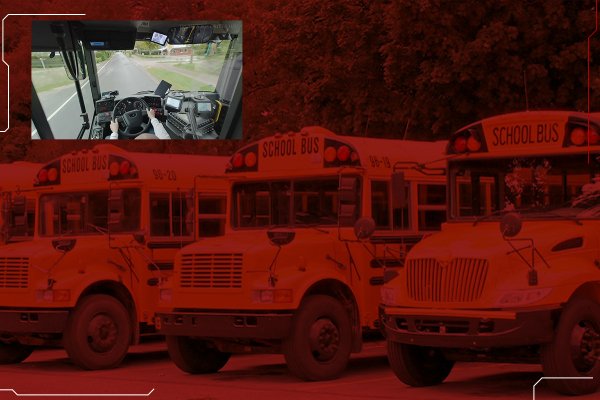
Camera systems for school buses
Schools and parents want to know where the bus is, how many children got on, and what happened on board.
The short answer
A school bus needs four or more camera views: the road, the driver, each door and the aisle. An MDVR such as the WD11 records them to SD cards, counts passengers at one to four doors and sends location and video to the school or operator over 4G. A driver-monitoring camera adds a fatigue alarm.
- Camera views
- 4 to 8
- Recorder
- WD11 MDVR
- Storage
- Two SD cards, up to 256 GB each
What goes wrong, and what video changes
Knowing how many boarded
Schools need to know how many children got on and off at each stop. Counters above the doors record boarding and alighting on every trip.
Incidents on board
Aisle and door cameras record what happened inside the bus, with time and GPS position, so a complaint can be checked against video.
Driver alertness
A driver-facing infrared camera detects closed eyes and head nodding and sounds an alarm in the cab, on dark mornings as well as in daylight.
Recommended camera layout
An SD-card MDVR records interior and exterior cameras and counts boarding passengers at each door, while a driver-monitoring camera watches for fatigue.
| Position | Equipment | What it covers |
|---|---|---|
| Windscreen, facing the road | ADAS Camera | The road ahead, with lane-departure, pedestrian and vehicle-distance warnings |
| Dashboard or A-pillar | DSM Camera | The driver, with a closed-eye and head-nodding fatigue alarm |
| Above each door | 3D passenger counter on the WD11 | Boarding and alighting counts, on one to four doors |
| Ceiling, over the aisle | AHD003 dome camera | Seats and aisle, with infrared for dark mornings and evenings |
| Rear | Exterior AHD camera | Reversing and vehicles behind the bus |
What this setup gives you
- Live location for administrators
- Passenger counting at 1 to 4 doors
- Over-speed and geofence alerts
Products in this setup
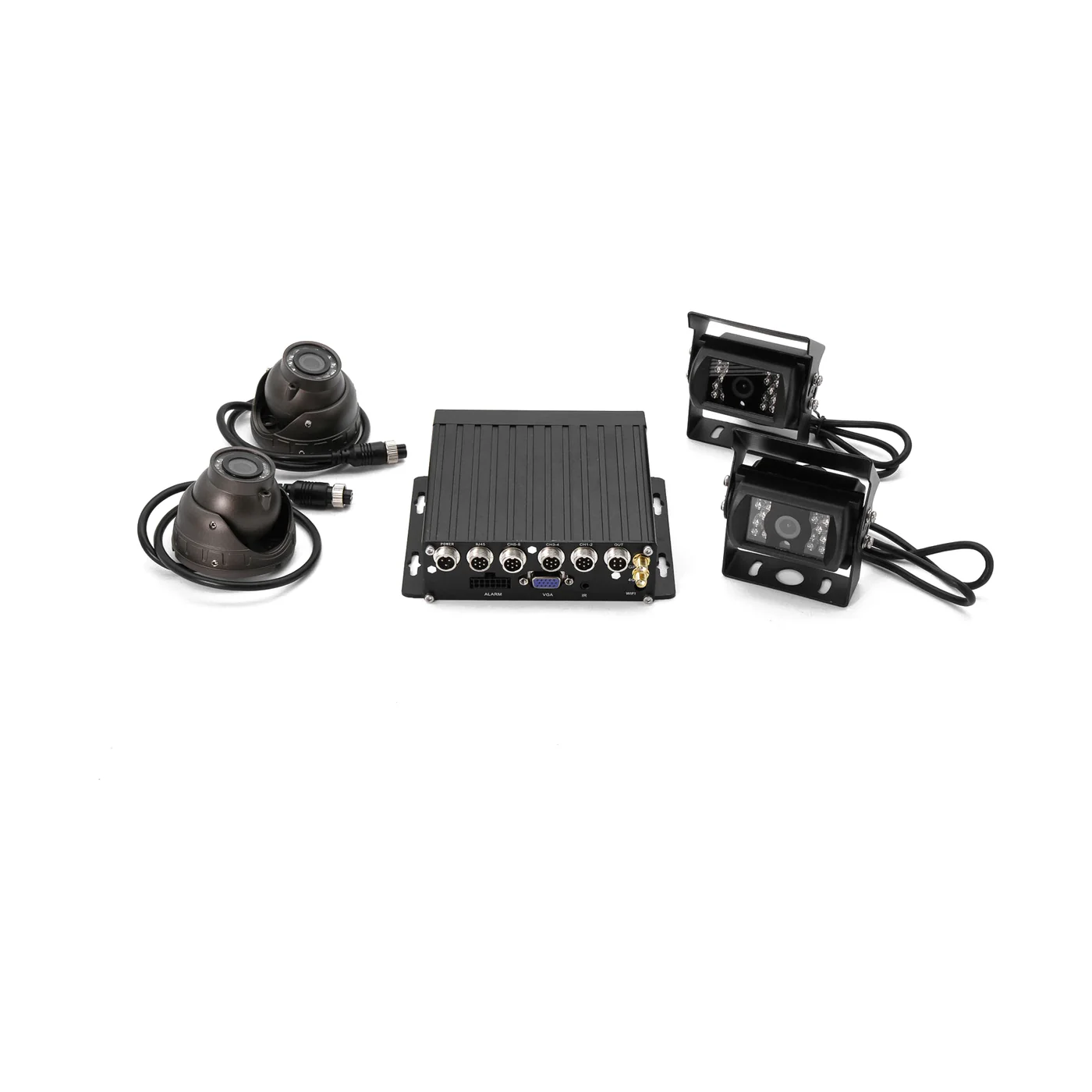 Recorder with passenger countingWD11 MDVRDual-SD AI MDVR with 3D passenger counting, H.265 and 10–36 V
 Driver fatigueDSM Camera1080p infrared driver camera with a closed-eye and nodding alarm
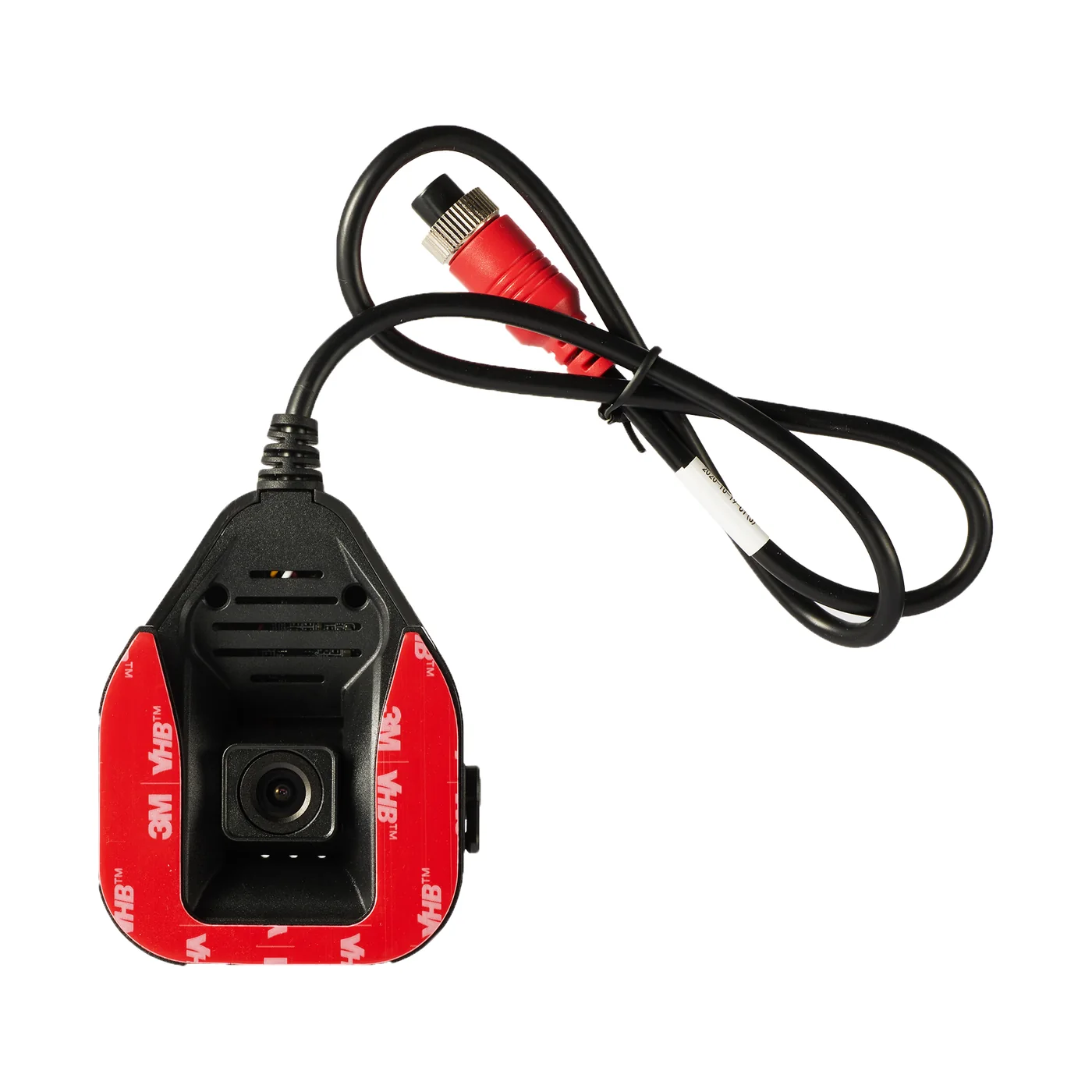 Road aheadADAS Camera for MDVRRoad-facing 1080p AI camera with lane, collision and pedestrian alerts
 Aisle and seatsAHD003 Cabin Dome CameraInfrared dome camera for the cabin or passenger area, for MDVR systems
Storage and mobile data
How long footage is kept
This setup records 2 × 1080p and 2 × 720p, about 6.3 GB an hour at standard quality. On one 256 GB SD card, that is roughly 38 hours of recording before the oldest footage is overwritten, or about 76 hours in H.265, which the WD11 supports.
Storage calculatorHow much 4G data it uses
Recording uses no mobile data. Tracking uses about 17 MB a month at a 30-second interval. Watching all 4 cameras of this setup on the sub-stream for an hour uses about 160 to 240 MB. A 15-second event clip is about 5.6 MB at 720p or 7.5 MB at 1080p.
4G data calculatorBefore you order
- The WD11 runs on 10–36 V DC, for 12 V and 24 V buses, and operates from -20 °C to +70 °C. 4G and GPS are optional modules: order them for live location and video.
- Passenger counters and AI cameras share the recorder's inputs. Tell us the number of doors and views and we will confirm the configuration before you order.
- Counting gives totals per door and stop; it does not identify individual passengers. Our specification rates the 3D counter above 95% accuracy, and mounting height, door width and lighting affect the result.
- Mount the counters above each door. We recommend professional installation and provide wiring guidance.
School bus camera questions
How many cameras does a school bus need?
Can the system count students getting on and off?
Can the school see where the bus is?
How long is school bus video kept?
Guides for this fleet
- How Many Cameras Does a Truck, Bus or Van Need?Vans and taxis need two cameras, trucks three or four and buses four to eight. Start from the views you would want after an incident.Read the guide
- Dashcam vs MDVR: Which Does Your Fleet Need?A dashcam is one windscreen unit with one or two lenses. An MDVR is a separate recorder for four or eight cameras. Choose by the views you need.Read the guide
- ADAS, DMS and BSD Explained: What Each Fleet Camera Alert DoesADAS watches the road, DMS watches the driver and BSD watches the blind spot. Each needs its own camera, and our devices differ in the alerts they give.Read the guide
Not sure which camera fits your fleet?
Tell us your vehicles and what you need to see. An engineer recommends a setup, usually within 2 hours.