Buying guides
Dashcam vs MDVR: Which Does Your Fleet Need?
A dashcam is one windscreen unit with one or two lenses. An MDVR is a separate recorder for four or eight cameras. Choose by the views you need.
By Kumar Saurabh, Head of Overseas Business, SKYWONDER
, 3 min read
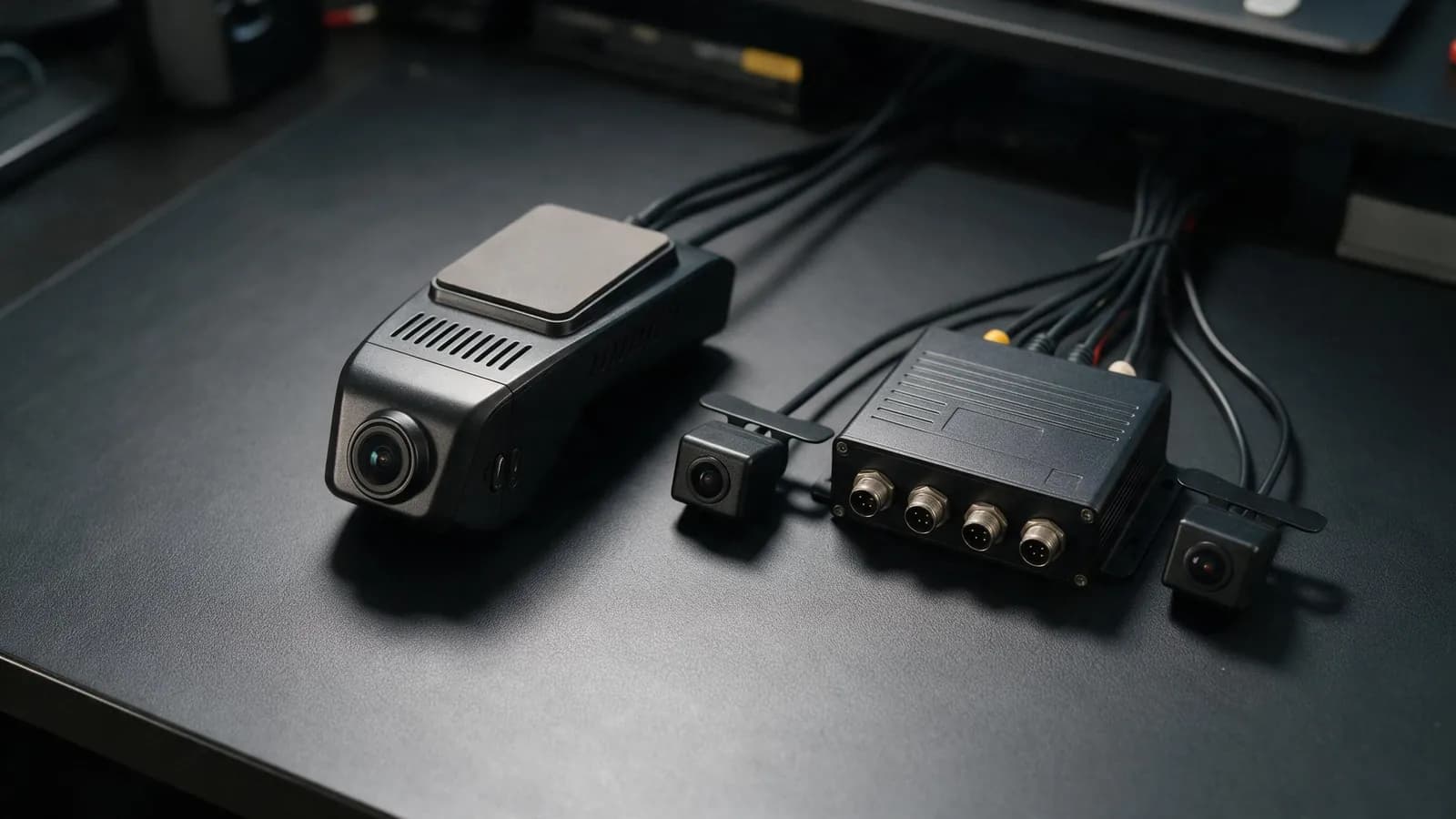
A dashcam is a single unit on the windscreen with one or two built-in lenses, usually for the road and the cab; some models add a rear camera on a cable. An MDVR (mobile digital video recorder) is a separate recorder, mounted out of sight, that takes four or eight external cameras. Choose a dashcam when the road and the driver are the main risks, and an MDVR when you need to see the sides, the rear, the doors or the passengers.
We design both at SKYWONDER. This is how we choose between them for a customer.
The difference in one table
| Dashcam | MDVR | |
|---|---|---|
| Form | One unit on the windscreen | Recorder box plus separate cameras |
| Cameras | 1 or 2 built in, some with a rear camera on a cable; the D9 and WD02 take 2 more | 4 inputs (WD12), or 4 × 1080p or 8 × 720p (WD10, WD11) |
| Storage | microSD: up to 512 GB on the D9, D2, A5, A3, A6 and S202; 128 GB on the A18, D3 and B5 | Hard disk up to 2 TB (WD10); two SD cards of up to 256 GB each (WD11) or up to 512 GB (WD12) |
| Installation | One power cable, plus a cable to each external camera | A cable to every camera; professional installation recommended |
| AI alerts | In the unit: ADAS and DMS on the D9, optional on the WD02 | Added with ADAS, DSM and BSD cameras |
| Extras | 3-inch screen on the A5 and A3; two-way voice on the D9, WD02, A5, A3, A6, A18 and S202 | Passenger counting, monitor output, four alarm inputs |
| Typical vehicles | Cars, vans, taxis, light trucks | Buses, heavy trucks, waste and construction vehicles |
When a dashcam is the right choice
A dashcam suits vehicles where two views answer the questions after an incident: what happened ahead, and what the driver was doing. It needs one power cable, so it also suits rental and leased vehicles that change often.
The D9 records the road and the cab in 1080p, runs ADAS and DMS alerts in the device and streams live to the office. The D9 and the WD02 also take two external 720p cameras, which covers the rear and one side without moving up to a recorder.
When you need an MDVR
Move to an MDVR when the vehicle has risks a windscreen unit cannot see:
- Long or tall vehicles. Blind spots along the side and behind need cameras mounted on the body, at 1080p if number plates matter.
- Passengers. Buses need views of the doors and the aisle, and the WD10 and WD11 count passengers on one to four doors.
- Long retention. With four 1080p cameras, a 2 TB hard disk holds about 11 days of continuous recording; a 256 GB card holds about 33 hours.
- More inputs. The WD10 has four alarm inputs for panic buttons and door switches, and RS232 and RS485 ports.
The WD12 is a four-channel recorder of 120 × 120 × 46 mm for vans, minibuses and trucks. The WD10 takes four 1080p or eight 720p cameras and a hard disk of up to 2 TB.
Storage is where the two differ most
More cameras fill storage faster. At our recorders' standard bitrate of 4 Mbps per 1080p camera in H.264:
| Setup | 64 GB | 256 GB | 2 TB hard disk |
|---|---|---|---|
| 1 camera, 1080p | about 33 hours | about 5.5 days | not applicable |
| 4 cameras, 1080p | about 8 hours | about 33 hours | about 11 days |
These are continuous recording times. A vehicle that drives ten hours a day keeps 33 hours of footage for about three working days, and 11 days of footage for about 26. On the D9, D2, S202, WD10, WD11 and WD12, recording in H.265 roughly doubles these figures. Try your own numbers in the storage calculator.
How to decide
Start from the views you need. If two are enough, buy a dashcam. If you need a third and a fourth view and 720p is enough for them, choose a D9 or a WD02. Choose an MDVR for four 1080p inputs (WD12), for eight cameras or a hard disk (WD10), or for passenger counting (WD10 or WD11). Our guide to how many cameras a vehicle needs goes through this by vehicle type.
Frequently asked questions
What is the difference between a dashcam and an MDVR?
Can a dashcam record more than two cameras?
Is an MDVR harder to install than a dashcam?
Do MDVRs have AI alerts?
Mentioned in this guide
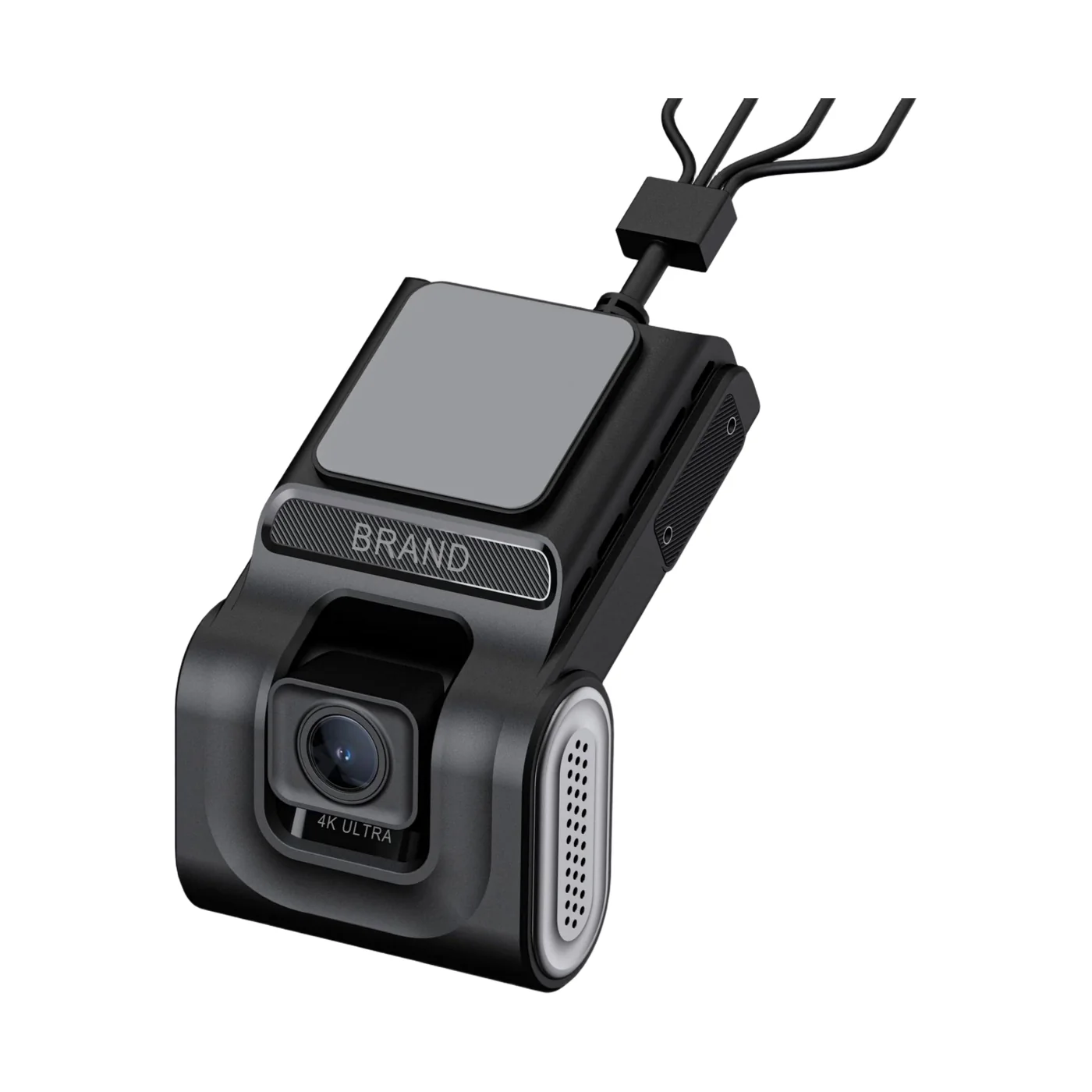
4G AI dashcam: 1080p road and cabin lenses, up to four cameras
- Road and cabin in one unit
- ADAS and DMS
- Expandable to four cameras
Read next
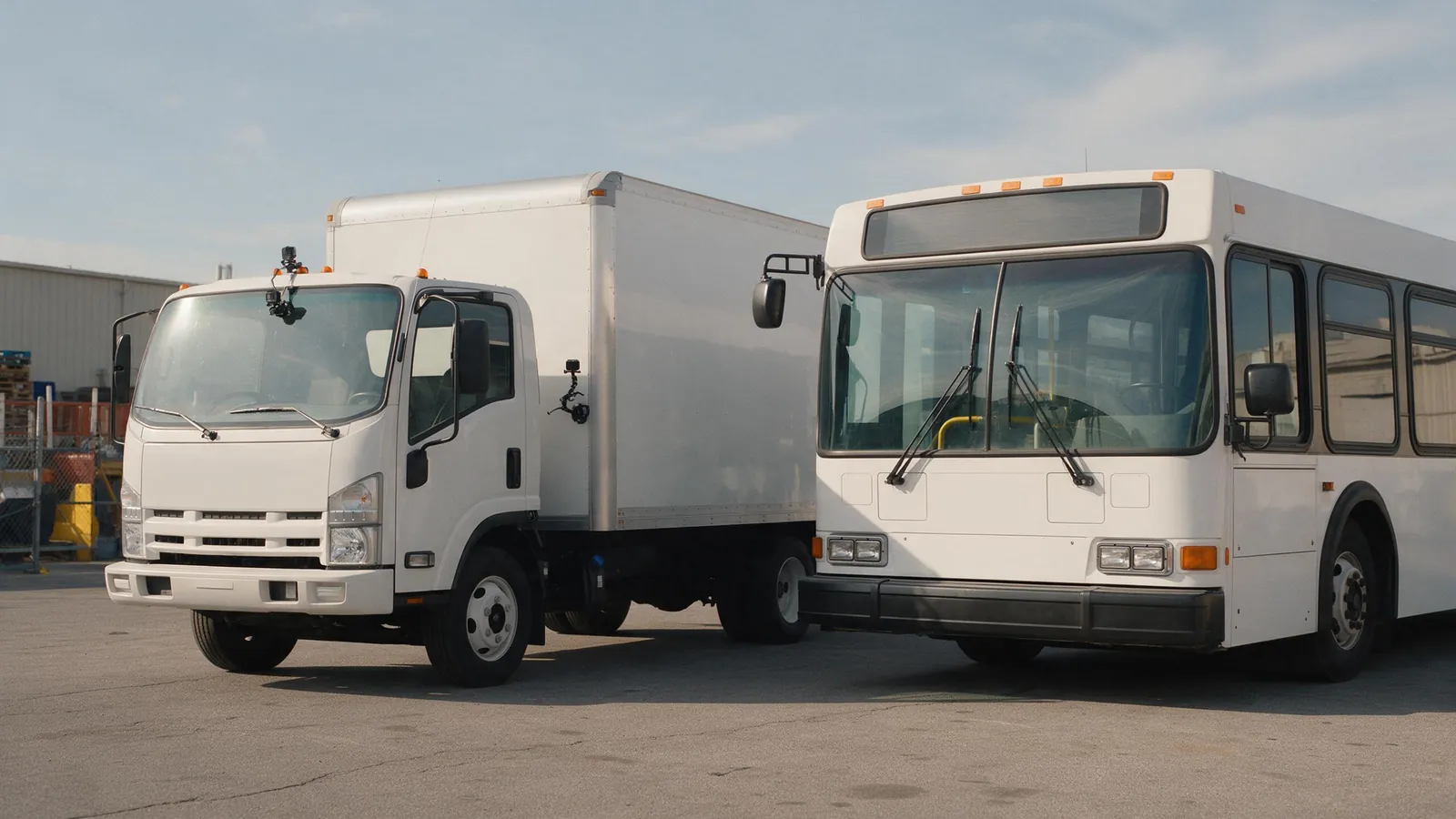
Buying guides, Oct 1, 2026, 3 min read
How Many Cameras Does a Truck, Bus or Van Need?
Vans and taxis need two cameras, trucks three or four and buses four to eight. Start from the views you would want after an incident.
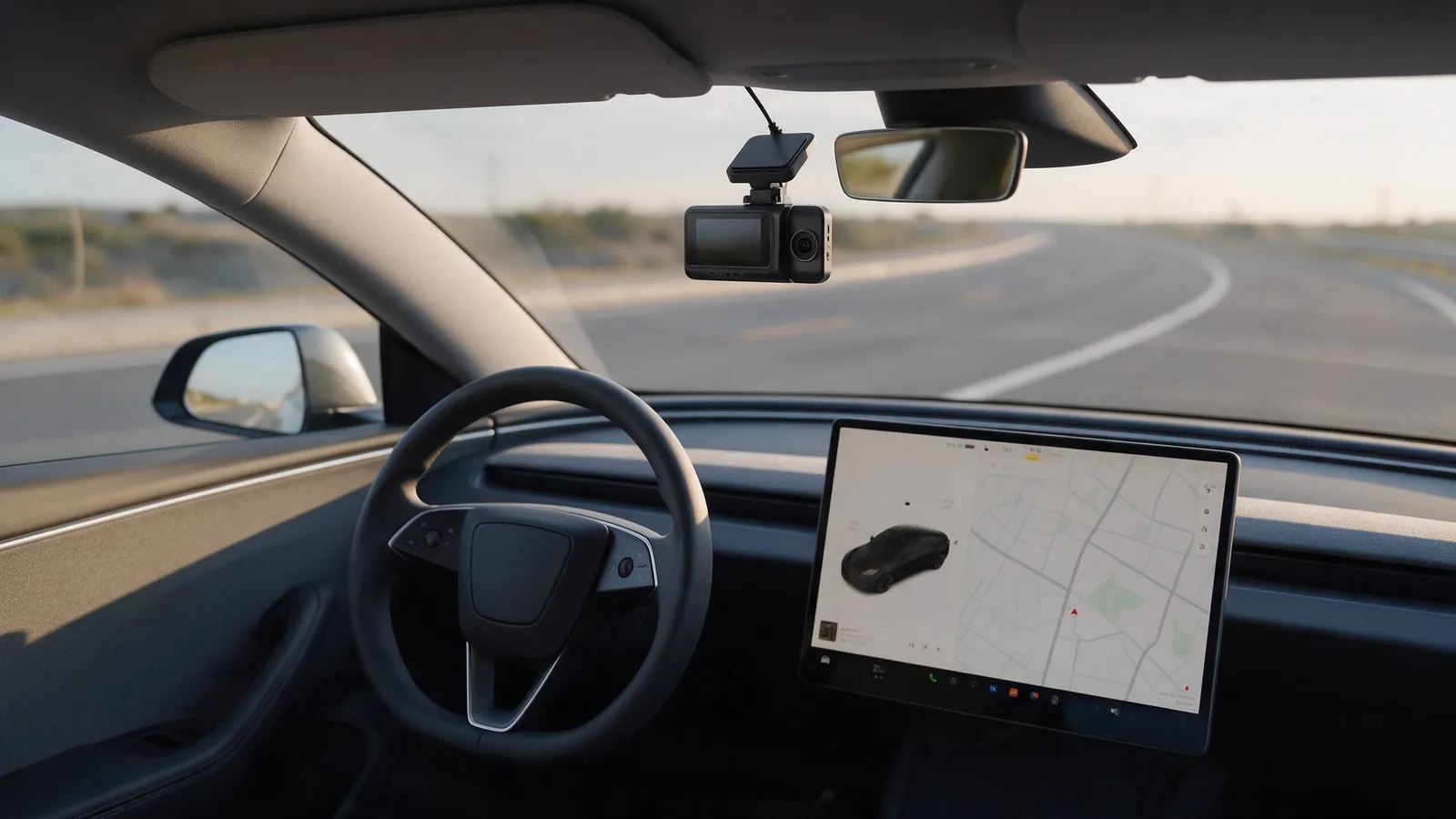
Buying guides, Aug 4, 2025, 3 min read
Does Tesla Have Built-in Dash Cams? Is an Additional One Worth It?
Tesla's built-in dashcam keeps a rolling hour of video on a USB drive, with no audio. That suits a private owner; a fleet needs more history and one platform.
Fleet safety, Oct 1, 2026, 3 min read
ADAS, DMS and BSD Explained: What Each Fleet Camera Alert Does
ADAS watches the road, DMS watches the driver and BSD watches the blind spot. Each needs its own camera, and our devices differ in the alerts they give.
Not sure which camera fits your fleet?
Tell us your vehicles and what you need to see. An engineer recommends a setup, usually within 2 hours.