Buying guides
Does Tesla Have Built-in Dash Cams? Is an Additional One Worth It?
Tesla's built-in dashcam keeps a rolling hour of video on a USB drive, with no audio. That suits a private owner; a fleet needs more history and one platform.
By Kumar Saurabh, Head of Overseas Business, SKYWONDER
, updated , 3 min read
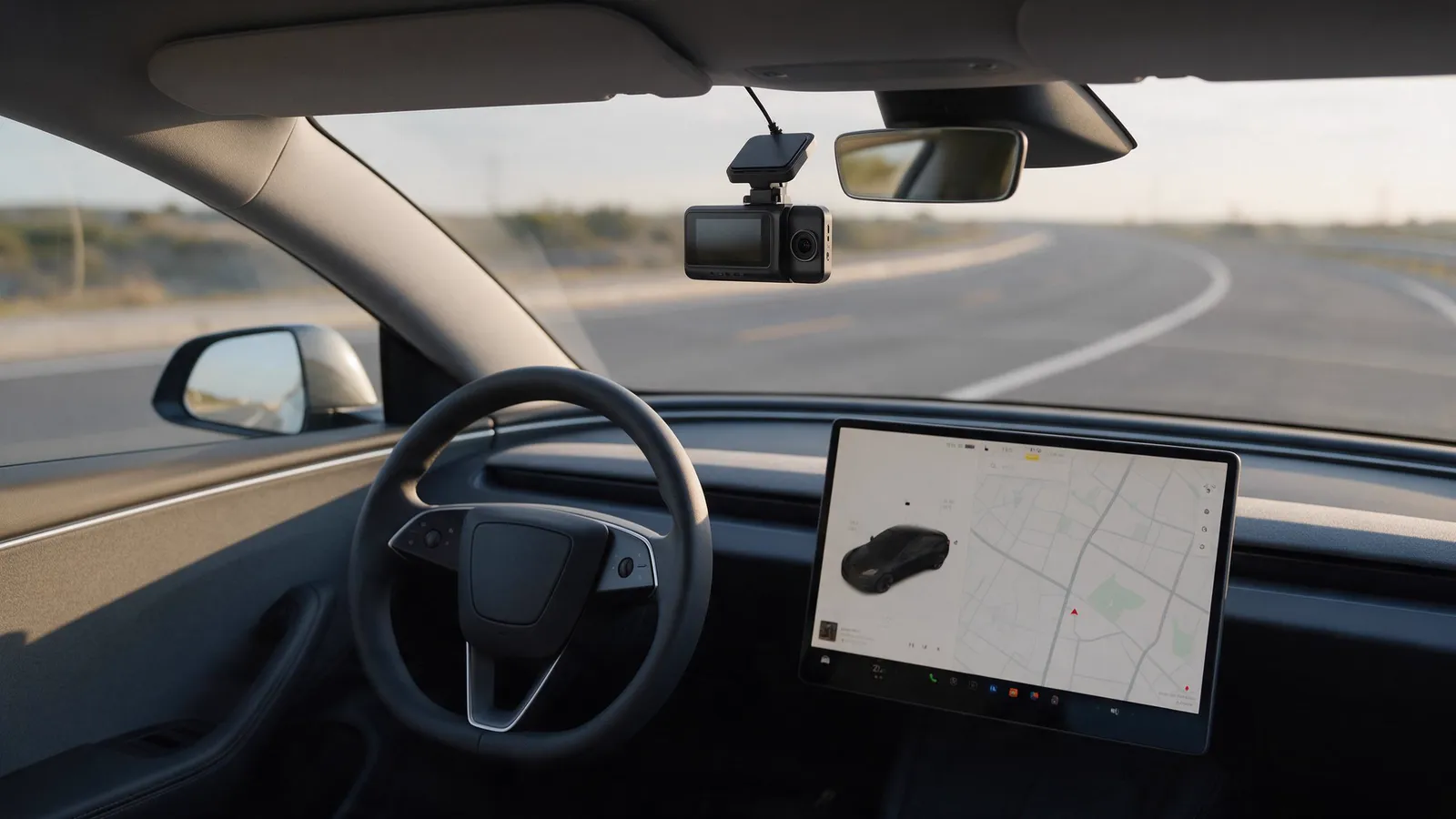
Yes. A Tesla has a built-in dashcam: the car records from its own cameras to a USB drive. According to Tesla's Owner's Manual, it keeps the most recent hour of footage unless you save a clip, and it does not record audio. For a private owner that is often enough. For a fleet, a separate dashcam is worth fitting when you need audio, a recording of the driver, more than an hour of history or alerts that reach a manager.
The points below follow Tesla's Owner's Manual as published in October 2026. Tesla changes these features with software updates, so check the manual for your own car and software version.
What Tesla's dashcam does
- Records from the car's cameras to a USB drive in the car. Without a correctly formatted drive, nothing is saved.
- Keeps a rolling hour. Recent footage is overwritten after about an hour. Saving a clip with the dashcam icon on the touchscreen keeps the last ten minutes.
- Plays back in the car and in the app. Saved clips can be watched on the touchscreen. Tesla's mobile app has a Dashcam Viewer, which needs Premium Connectivity.
- Guards the parked car with Sentry Mode, which records events around the vehicle and draws on the car's battery while it runs.
Where it stops
- No audio. What was said after a collision, at a roadside stop or in a dispute with a passenger is not recorded.
- One hour of history. A hit-and-run or a complaint that you only hear about the next day is outside the rolling hour, unless someone saved the clip at the time.
- No fleet view. The footage sits in the car and in the owner's Tesla app. A fleet running Teslas beside vans and trucks cannot see them all on one screen.
What a separate dashcam adds
A 4G dashcam such as the D9 is built as an evidence recorder for fleets:
| Tesla built-in dashcam | D9 dashcam | |
|---|---|---|
| Audio | Not recorded | Recorded, with two-way voice to dispatch |
| Footage kept | The most recent hour, plus saved clips, on a USB drive | About 130 hours of road and cabin video on a 512 GB card |
| Remote viewing | Tesla app, with Premium Connectivity | Traqcare app and web platform, over the dashcam's own 4G SIM |
| Alerts to a manager | None from the dashcam | ADAS and DMS events with a clip, above 30 km/h |
| Other vehicles | Teslas only | Any 9–36 V vehicle, in the same account |
The D9 also has a 1080p infrared lens facing the cabin, stores GPS position and time with every clip, and locks the clip after an impact.
Fitting a dashcam in a Tesla
- Position. The area behind the mirror holds Tesla's own camera housing. Mount the dashcam beside it, clear of the housing and the driver's view, where the wipers clear the glass.
- Power. The D9 takes 9–36 V. Give it constant power with a low-voltage cutoff if it should stay reachable with the ignition off.
- Card and SIM. Fit a microSD card of Class 10 or faster and a micro SIM, then pair the camera in the app.
- Calibration. Calibrate ADAS and DMS in the app. Calibration progresses only while driving above 20 km/h, so finish it on a road test.
- Test. Record a short drive and check both views before the car goes back into service.
If the car will record while parked, read our guide on whether a dashcam drains the battery first.
Is an additional dashcam worth it?
For a private owner who saves clips promptly, Tesla's dashcam covers the basics. For a fleet, the answer turns on four things: audio, more than an hour of history, a recording of the driver, and one platform for every vehicle. If you need any of them, fit a separate 4G dashcam. In a mixed fleet it also brings the Teslas into the same view as the vans and trucks in the Traqcare platform.
Frequently asked questions
Do Teslas have a built-in dashcam?
Does Tesla's dashcam record sound?
Can I watch Tesla dashcam clips on my phone?
Do I need a separate dashcam in a Tesla?
Mentioned in this guide
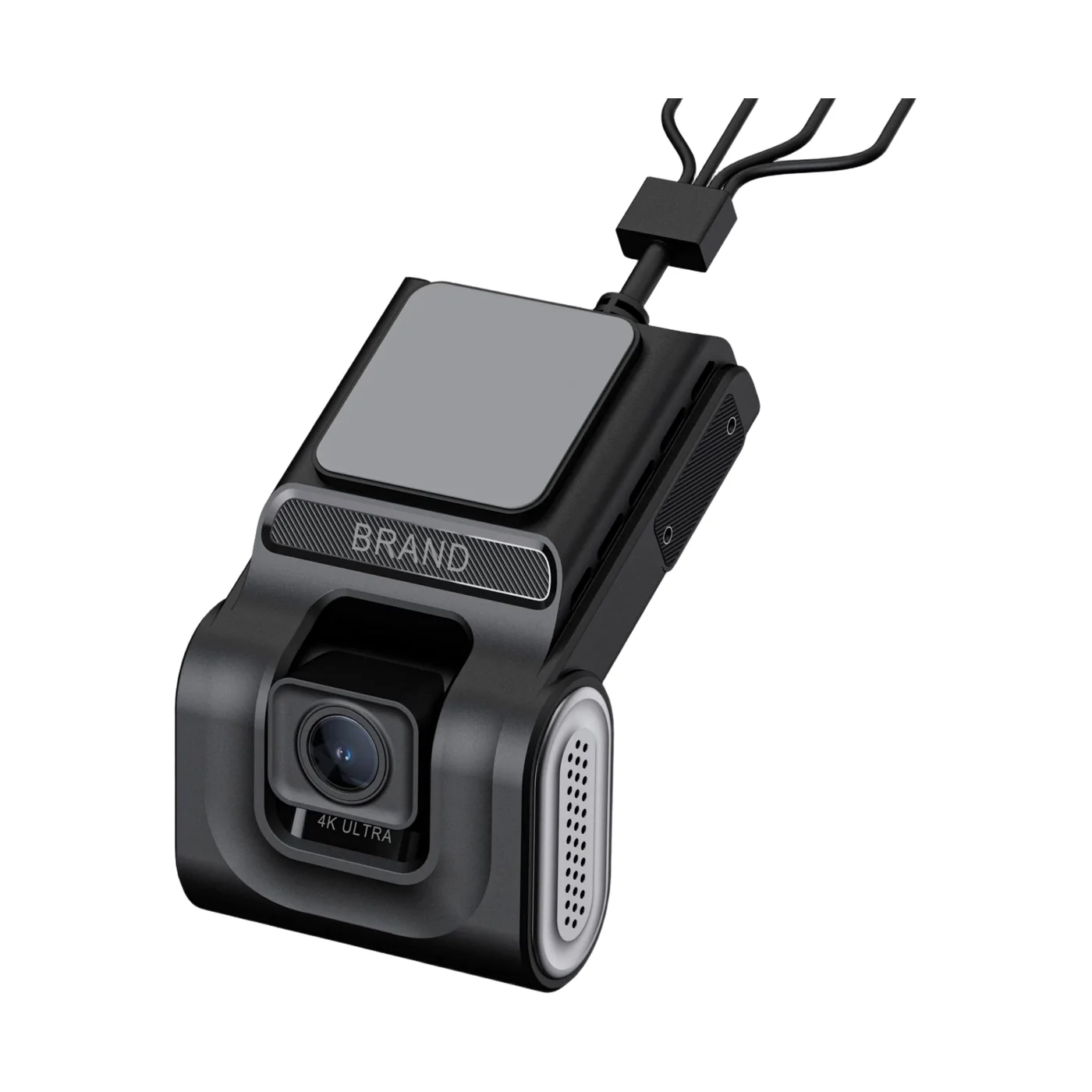
4G AI dashcam: 1080p road and cabin lenses, up to four cameras
- Road and cabin in one unit
- ADAS and DMS
- Expandable to four cameras
Read next
Buying guides, Oct 1, 2026, 3 min read
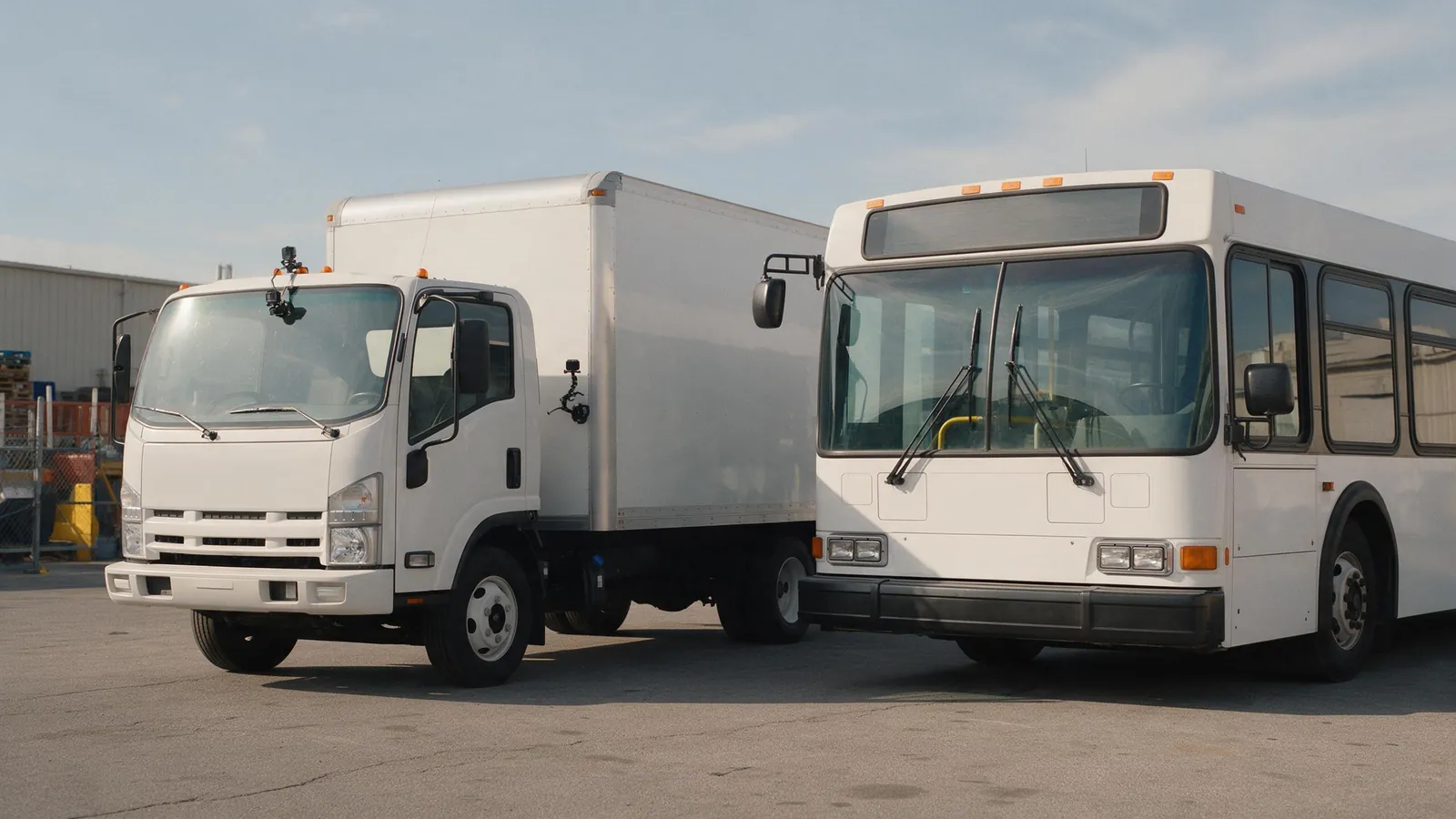
How Many Cameras Does a Truck, Bus or Van Need?
Vans and taxis need two cameras, trucks three or four and buses four to eight. Start from the views you would want after an incident.
Buying guides, Oct 1, 2026, 3 min read
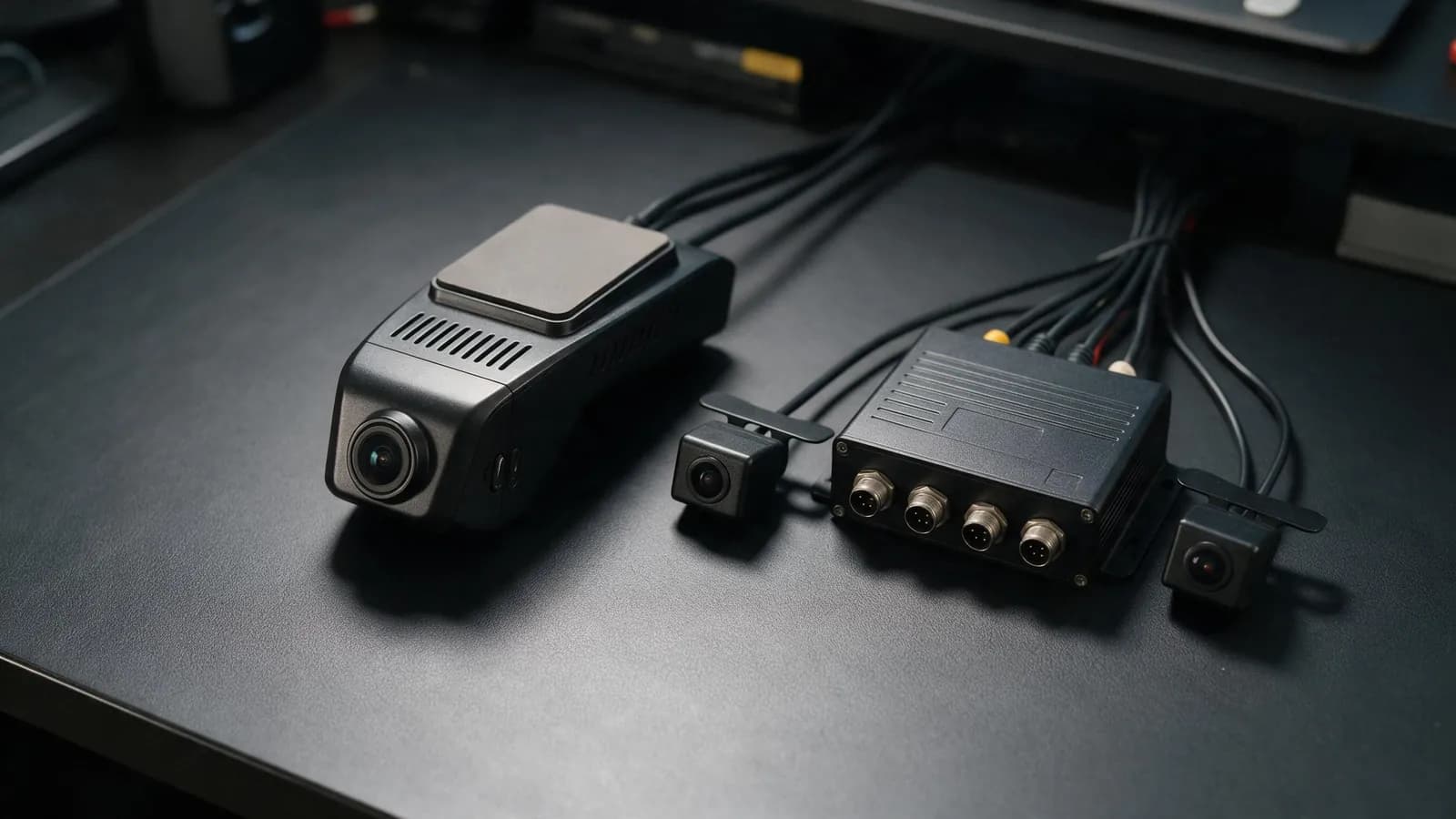
Dashcam vs MDVR: Which Does Your Fleet Need?
A dashcam is one windscreen unit with one or two lenses. An MDVR is a separate recorder for four or eight cameras. Choose by the views you need.
Fleet safety, Oct 1, 2026, 3 min read
ADAS, DMS and BSD Explained: What Each Fleet Camera Alert Does
ADAS watches the road, DMS watches the driver and BSD watches the blind spot. Each needs its own camera, and our devices differ in the alerts they give.
Not sure which camera fits your fleet?
Tell us your vehicles and what you need to see. An engineer recommends a setup, usually within 2 hours.