
Dashcams and camera systems for trucks
Truck fleets face three recurring problems: fatigue on long hauls, blind spots at junctions and disputed collisions.
The short answer
Most trucks need three or four camera views: the road, the cab, the nearside blind spot and the rear. A dual-lens 4G AI dashcam such as the D9 covers the road and the cab and takes two more 720p cameras. Trucks that need four 1080p views use a 4-channel MDVR such as the WD12, which takes a BSD camera when ordered with the BSD option.
- Camera views
- 3 to 4
- Recorder
- D9 dashcam or WD12 MDVR
- Storage
- microSD or dual SD, up to 512 GB
What goes wrong, and what video changes
Disputed collisions
Without video, liability rests on statements. Road and cab footage, stamped with GPS position and time, shows what happened on both sides of the windscreen.
Fatigue on long hauls
A driver-monitoring camera detects yawning and closed eyes and sounds a warning in the cab. On the D9 it is the built-in infrared cabin lens, so it works at night.
Blind spots at junctions
Cyclists and pedestrians alongside the cab are hardest to see during a nearside turn. A side-mounted camera covers that zone and records side-swipe incidents.
Recommended camera layout
A dual-lens AI dashcam covers the road and the cab, and takes two more cameras for the nearside and the rear. Trucks that need four 1080p views or blind-spot detection move up to a 4-channel MDVR.
| Position | Equipment | What it covers |
|---|---|---|
| Windscreen, facing the road | D9 road lens, 1080p, 135° | The road ahead, with forward-collision, lane-departure, pedestrian and following-distance warnings |
| Windscreen, facing the cab | D9 infrared cabin lens, 1080p | The driver, day and night, with yawning, closed-eye, distraction and smoking alerts |
| Nearside of the body | External 720p camera on the D9, or a BSD camera on an MDVR | The blind spot alongside the cab and trailer |
| Rear | External 720p camera | Reversing incidents and rear-end collisions |
What this setup gives you
- Forward collision and lane departure warnings, above 30 km/h on the D9
- Fatigue and distraction alerts that sound in the cab
- Incident clips uploaded over 4G for claims
Products in this setup
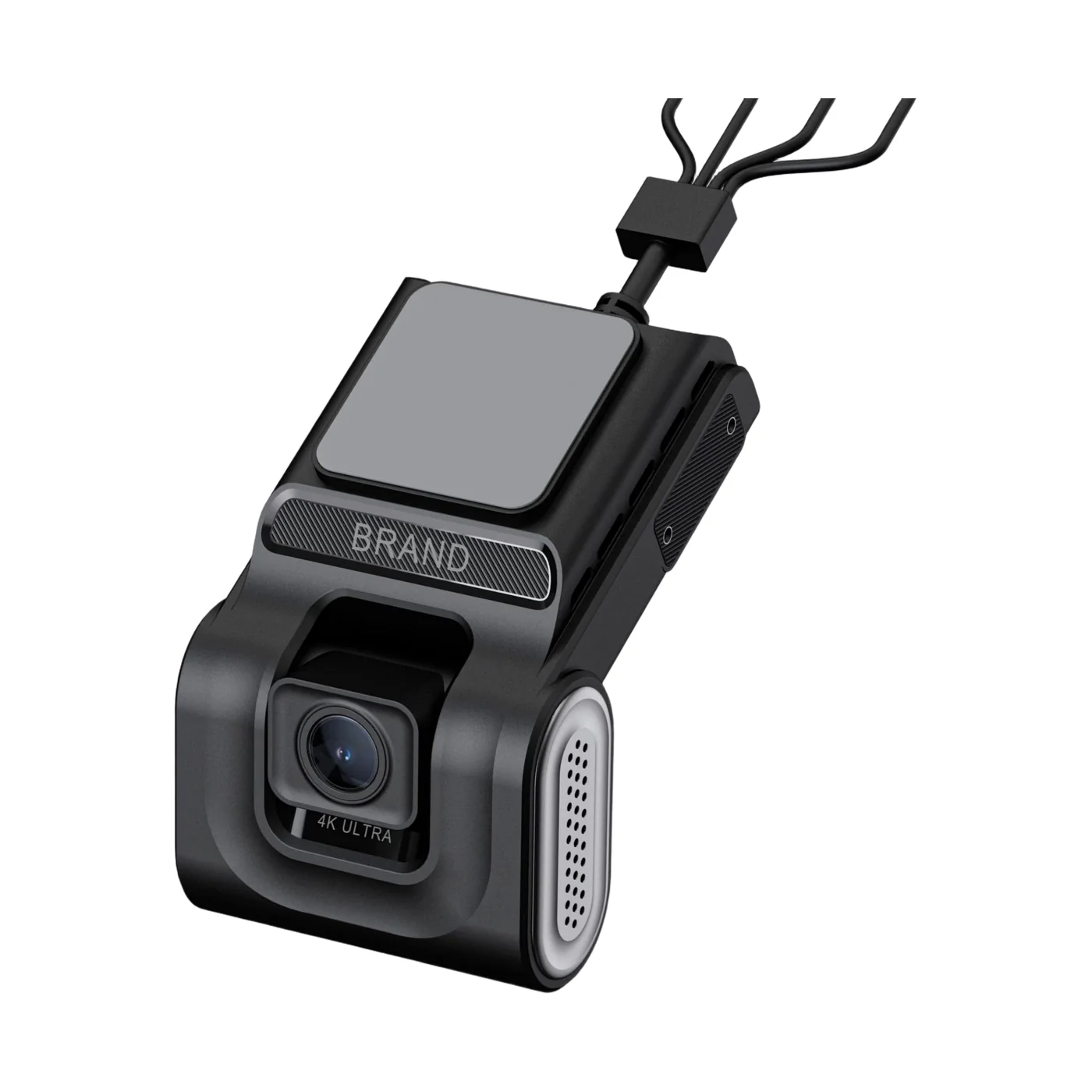 Road and cab, ADAS and DMSD9 Dual-Lens Dashcam4G AI dashcam: 1080p road and cabin lenses, up to four cameras
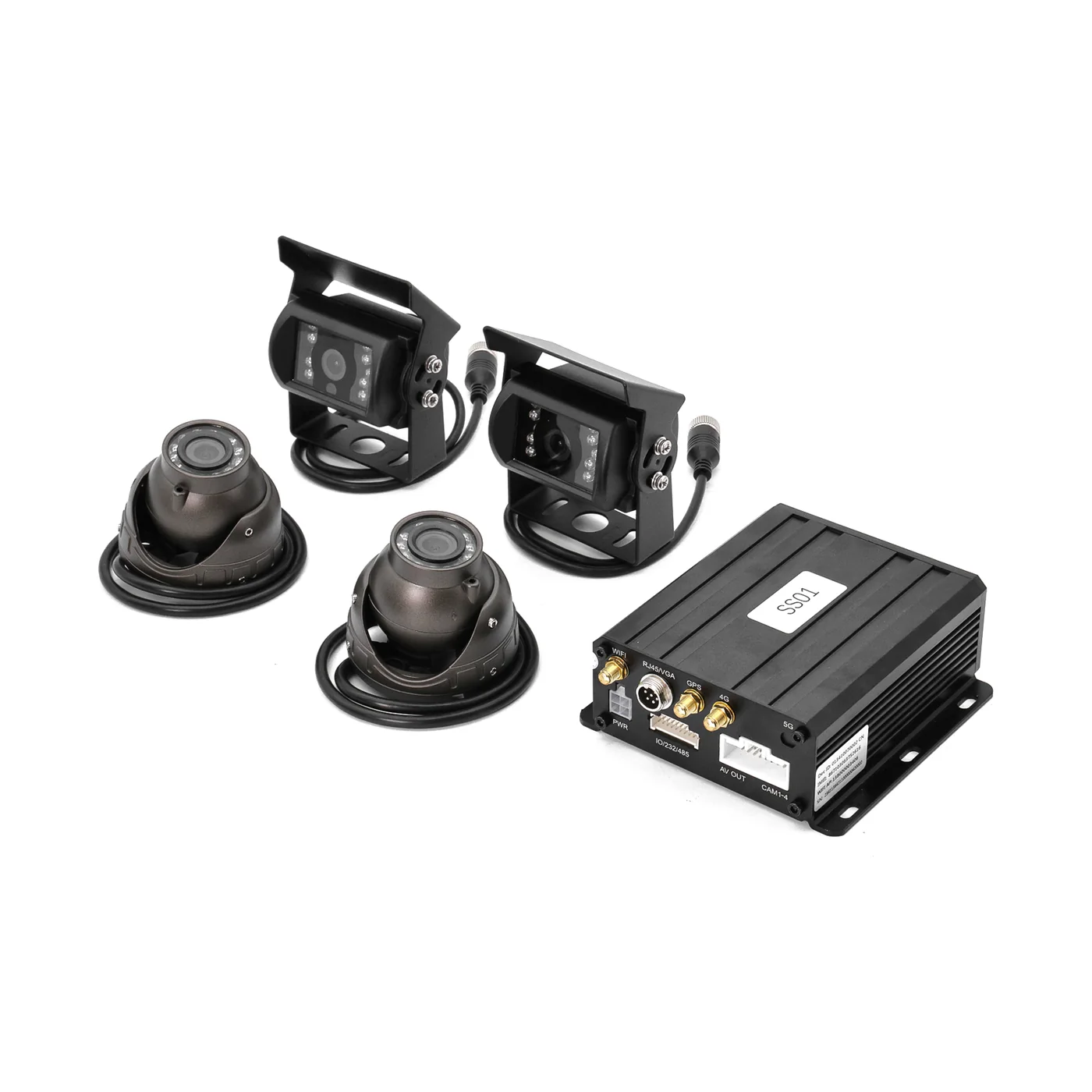 4-channel recorderWD12 Mini Dual-SD MDVRCompact 4-channel 1080p MDVR with dual SD, AI and JT/T 808/1078
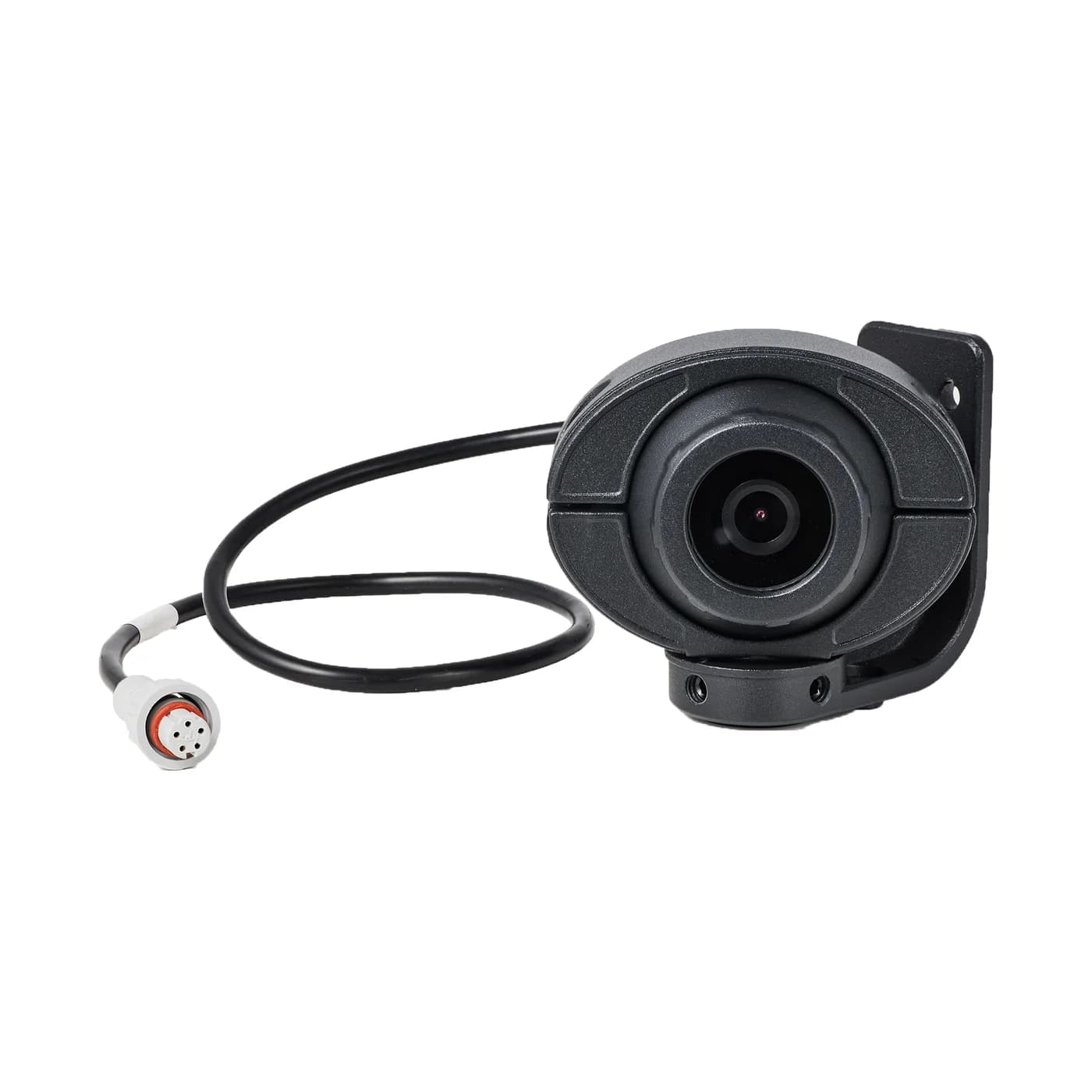 Nearside blind spotBSD CameraSide-mounted 1080p blind-spot camera with night vision for MDVR
Storage and mobile data
How long footage is kept
This setup records 2 × 1080p and 2 × 720p, about 6.3 GB an hour at standard quality. On a 512 GB microSD card, the largest the D9 takes, that is roughly 76 hours of recording before the oldest footage is overwritten, or about 150 hours in H.265, which the D9 supports.
Storage calculatorHow much 4G data it uses
Recording uses no mobile data. Tracking uses about 17 MB a month at a 30-second interval. Watching all 4 cameras of this setup on the sub-stream for an hour uses about 160 to 240 MB. A 15-second event clip is about 5.6 MB at 720p or 7.5 MB at 1080p.
4G data calculatorBefore you order
- The D9 and WD12 run on 9–36 V and the WD10 on 10–36 V, so the same equipment fits 12 V and 24 V trucks.
- On the D9, calibrate ADAS and DMS in the app after mounting. Alerts are active above 30 km/h.
- Recording to the card uses no mobile data. A 4G data SIM is needed for live view, alerts and clip upload.
- For MDVR systems we recommend professional installation and provide wiring guidance and remote support.
Truck camera questions
What is the best camera setup for a truck?
Does a truck need a dashcam or an MDVR?
Do truck dashcams work on 24 V?
Can the office see a truck's cameras live?
Guides for this fleet
- How Many Cameras Does a Truck, Bus or Van Need?Vans and taxis need two cameras, trucks three or four and buses four to eight. Start from the views you would want after an incident.Read the guide
- Dashcam vs MDVR: Which Does Your Fleet Need?A dashcam is one windscreen unit with one or two lenses. An MDVR is a separate recorder for four or eight cameras. Choose by the views you need.Read the guide
- ADAS, DMS and BSD Explained: What Each Fleet Camera Alert DoesADAS watches the road, DMS watches the driver and BSD watches the blind spot. Each needs its own camera, and our devices differ in the alerts they give.Read the guide
Not sure which camera fits your fleet?
Tell us your vehicles and what you need to see. An engineer recommends a setup, usually within 2 hours.